
Novice learning ‘Starling’ discussion
.
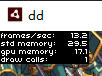
This FPS graphics card is so small, can it be set larger?
.
_starling = new Starling(Game, stage);
_starling.showStats = true;
.
.
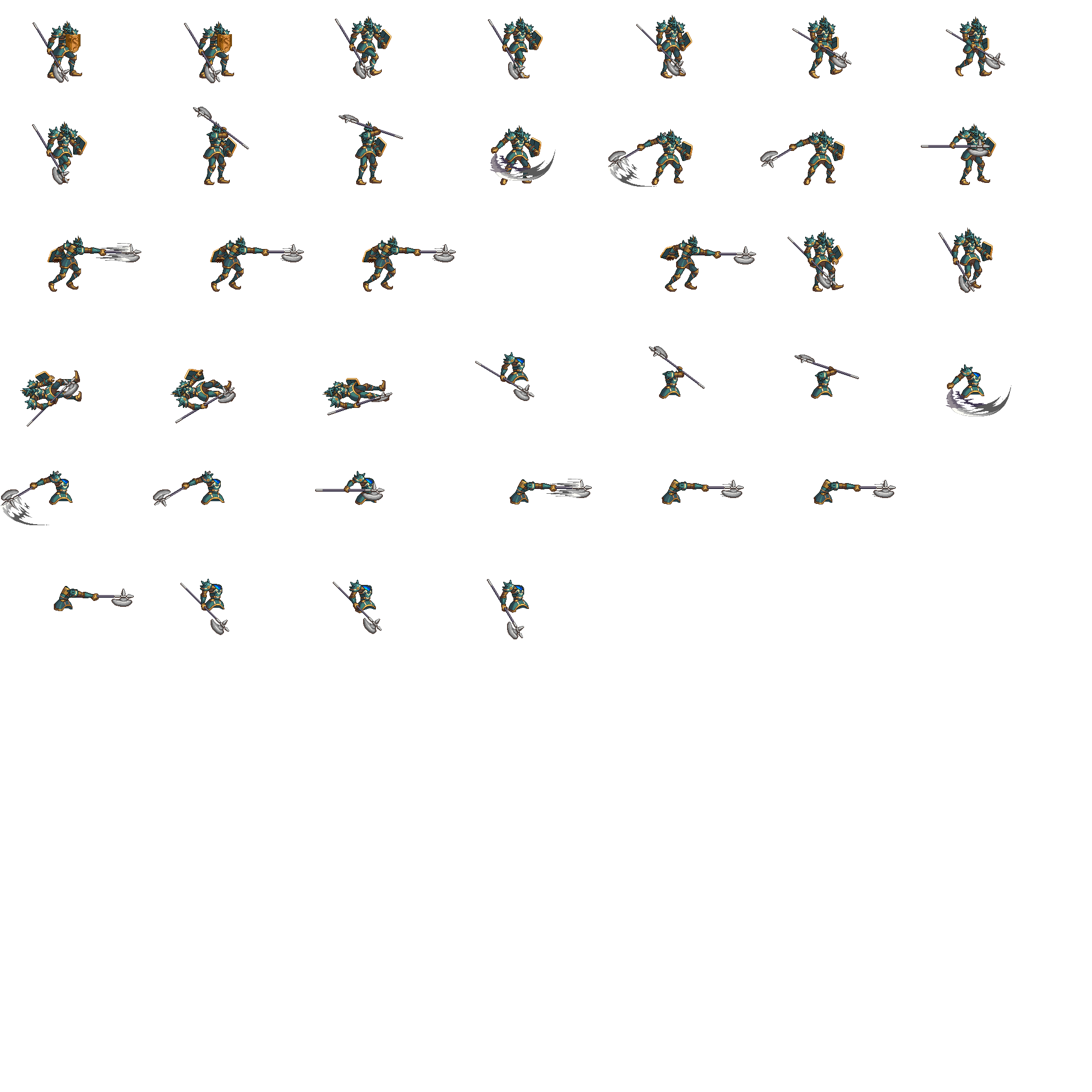
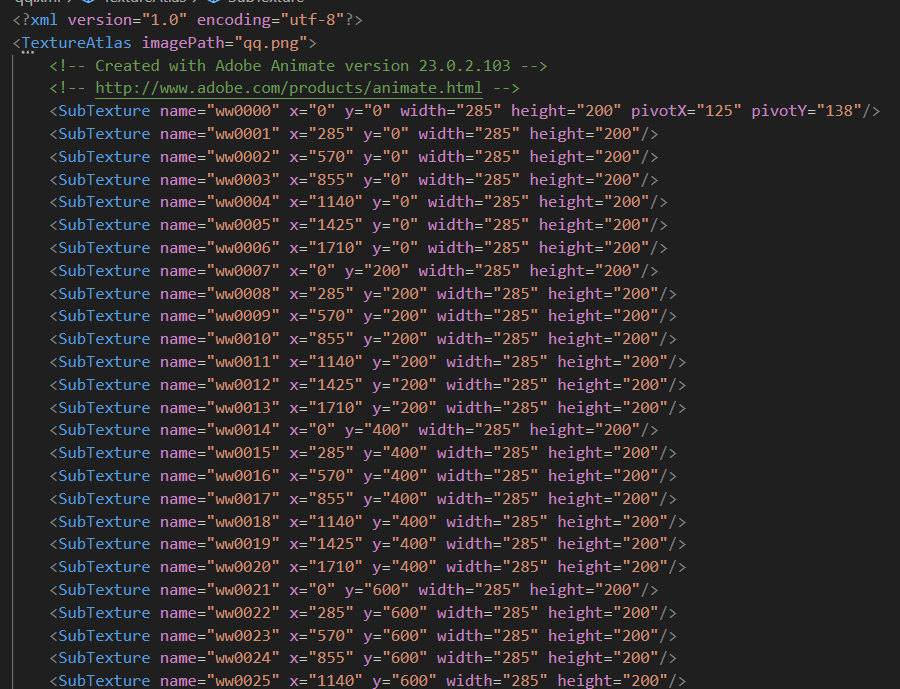
I use “Adobe Animate 2023” to create animations and export the “Sprite” table in “Starling” format
.
.
xml
. <?xml version="1.0" encoding="utf-8"?>
.
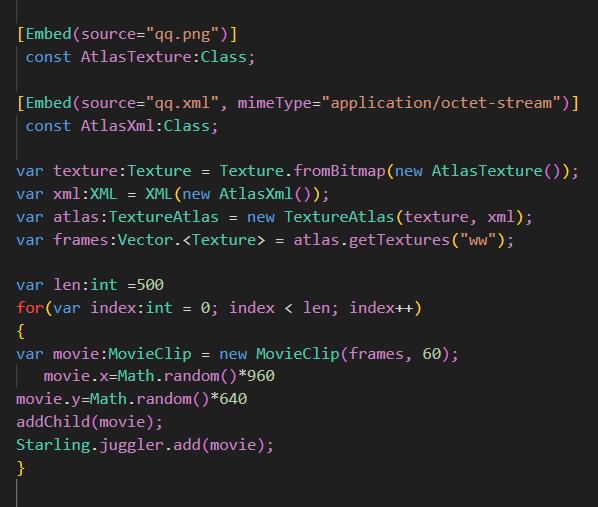
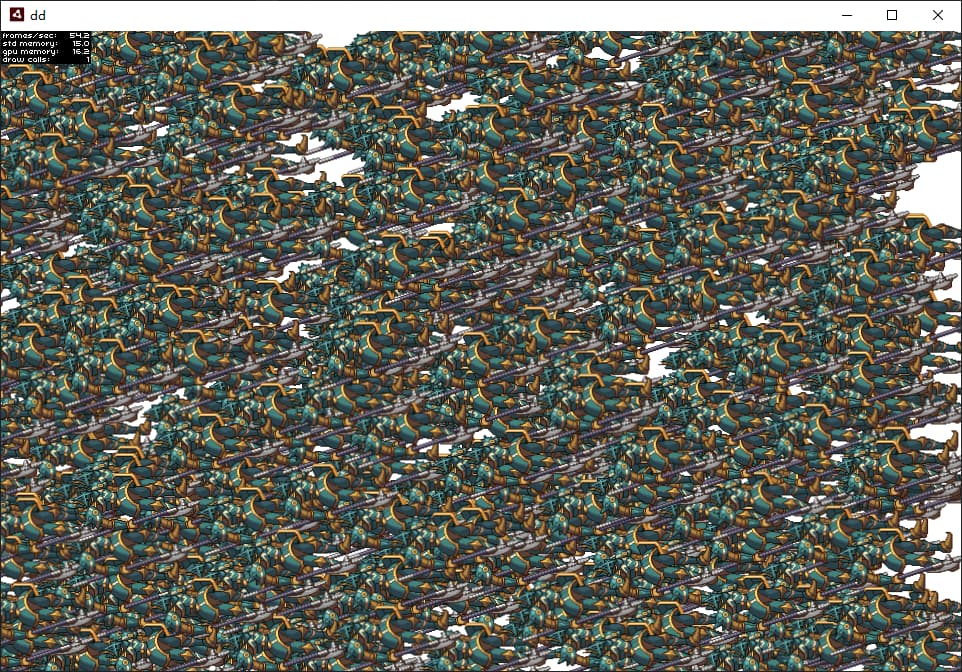
Using starling’s movieClip animation, the texture is in an exported starling format
.
.
[Embed(source="qq.png")]

const AtlasTexture:Class;

[Embed(source="qq.xml", mimeType="application/octet-stream")]

const AtlasXml:Class;

var texture:Texture = Texture.fromBitmap(new AtlasTexture());

var xml:XML = XML(new AtlasXml());

var atlas:TextureAtlas = new TextureAtlas(texture, xml);

var frames:Vector.<Texture> = atlas.getTextures("ww");

var len:int =500

for(var index:int = 0; index < len; index++)

{

var movie:MovieClip = new MovieClip(frames, 60);

movie.x=Math.random()*960

movie.y=Math.random()*640

addChild(movie);

Starling.juggler.add(movie);

}
.
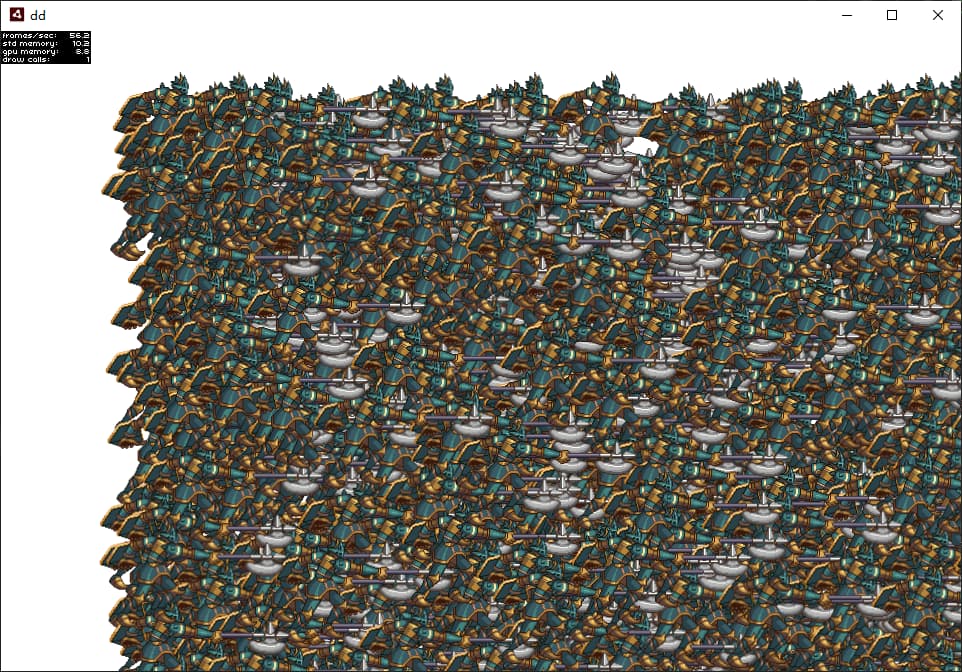
I also directly replaced the images to create the animation
.
for (var i:int = 0; i < 39; i++)
            {
                var id:Class = loader.content.loaderInfo.applicationDomain.getDefinition("斧之驱逐者_" + i) as Class;
                var bitmap:Bitmap = new Bitmap(new id);
                var texture:Texture = Texture.fromBitmap(bitmap);
                das.push(texture);
            }

            for (var b:int = 0; b < 1000; b++)
            {
                var image:Image = new Image(das[0]);
                image.x = Math.random() * 960;
                image.y = Math.random() * 640;
                addChild(image);
                bits.push(image);
            }

            var ii:int = 0;

            this.addEventListener(starling.events.Event.ENTER_FRAME, function(e:starling.events.Event):void
                {
                    for (var b:int = 0; b < bits.length; b++)
                    {
                        bits[b].texture = das[ii];
                    }
                    ii == das.length - 1 ? ii = 0 : ii += 1;
                });
.
I tested on my own computer and found that the animation performance formed by replacing images was higher than the Movieclip animation above
.
.
I studied for a few hours and took notes. It’s late at night and time flies so quickly
.
starling
Does movieclip not have the gotoAndStop method? What should I do if I want to jump to a certain frame and stop?
.
starling
Can Movieclip dynamically change the displayed texture set? I couldn’t find a way
_starling.showStatsAt() allows you to specify the scale.
public function showStatsAt(horizontalAlign:String="left",
                                verticalAlign:String="top", scale:Float=1):Void
1 Like
You can set the MovieClip’s currentFrame property to jump to a certain frame.
I don’t think that there is a property to replace all of the frame textures. You may be able to use a loop to call removeFrameAt() for all frames. Then, you could call addFrame() for each of your new frame textures.
1 Like
Thank you very much for your help
.
2.6.5. Movie Clips
You might have noticed the MovieClip class already when we looked at the class diagram surrounding Mesh. That’s right: a MovieClip is actually just a subclass of Image that changes its texture over time. Think of it as Starling’s equivalent of an animated GIF!
.
Acquiring Textures
It is recommended that all frames of your movie clip are from one texture atlas, and that all of them have the same size (if they have not, they will be stretched to the size of the first frame). You can use tools like Adobe Animate to create such an animation; it can export directly to Starling’s texture atlas format.
.
This is a sample of a texture atlas that contains the frames of a movie clip. First, look at the XML with the frame coordinates. Note that each frame starts with the prefix flight_ .
.
A downside of this animation technique has to be mentioned, though: you will quickly run out of texture memory if your animations are either very long or if the individual frames are very big. If your animations take up several big texture atlases, they might not fit into memory.
What should we do then?
If your animation occupies multiple large texture sets, they may not fit in memory?
Do you use Quad or Image to display images?
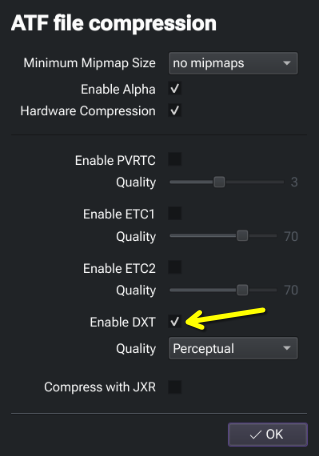
The ATF format supports hardware compression. In TexturePacker 6.0.1 (which I’ve noted previously), I can enable hardware compression for desktop targets, by enabling DXT. The other options apply to different targets (mobile, etc) and should only be ticked when specifically needed. When alpha is enabled, this compression is specifically DXT5 (as opposed to DXT1, no alpha).
Now above you mentioned this:
It is recommended that all frames of your movie clip are from one texture atlas, and that all of them have the same size
If your source animation frames have alpha in them, software like TexturePacker 6.0.1 will automatically crop this to visible information in the spritesheet. So this image (the grid represents full alpha):

Is stored in the atlas as this:

Now the beautiful thing is, when you bring that into Starling, the Texture it produces will still look like the original un-cropped version!
Keep this in mind when developing animations. Quite often you can heavily optimise animation in code, by layering things up. If the background is unchanging in an animation for example, don’t export that every frame. In your project, it would be treated as a separate element.
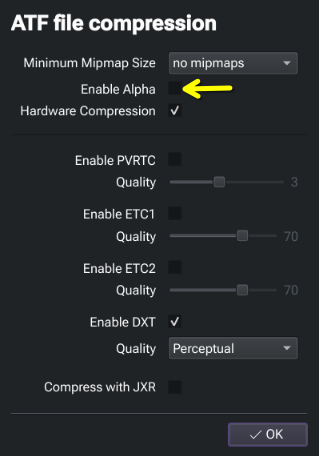
Now with rectangular assets that require no alpha (such as that background example), you can put these in a separate spritesheet encoded without alpha, which when paired with DXT hardware compression, triggers the use of DXT1 (DXT no alpha) which uses half the memory of DXT5 (DXT+alpha).
An image.
Something else to note regarding ATF textures, with respect to Starling at least, is that the file-size of the texture, directly correlates to GPU memory usage. This is because these files are hardware decoded in GPU. That should help you keep track of GPU memory usage.
JXR halves texture size again, but unfortunately it’s not available to us due to licensing restrictions.
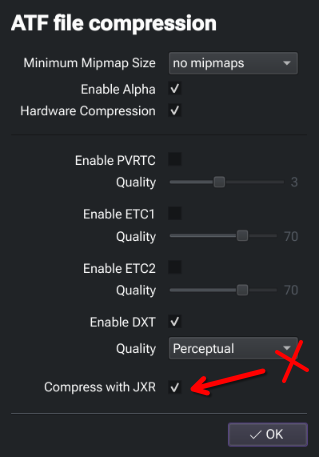
Edited: Seems JXR, or at least jxrlib, is open source under the permissive BSD license.
I only need to use Adobe Aniamte to create animations, I don’t want to use any other animation tools