
You should use what you’re comfortable with. It’s just I don’t have Adobe Animate and so I can’t explain these concepts using that. See if you can find similar settings in Adobe Animate.
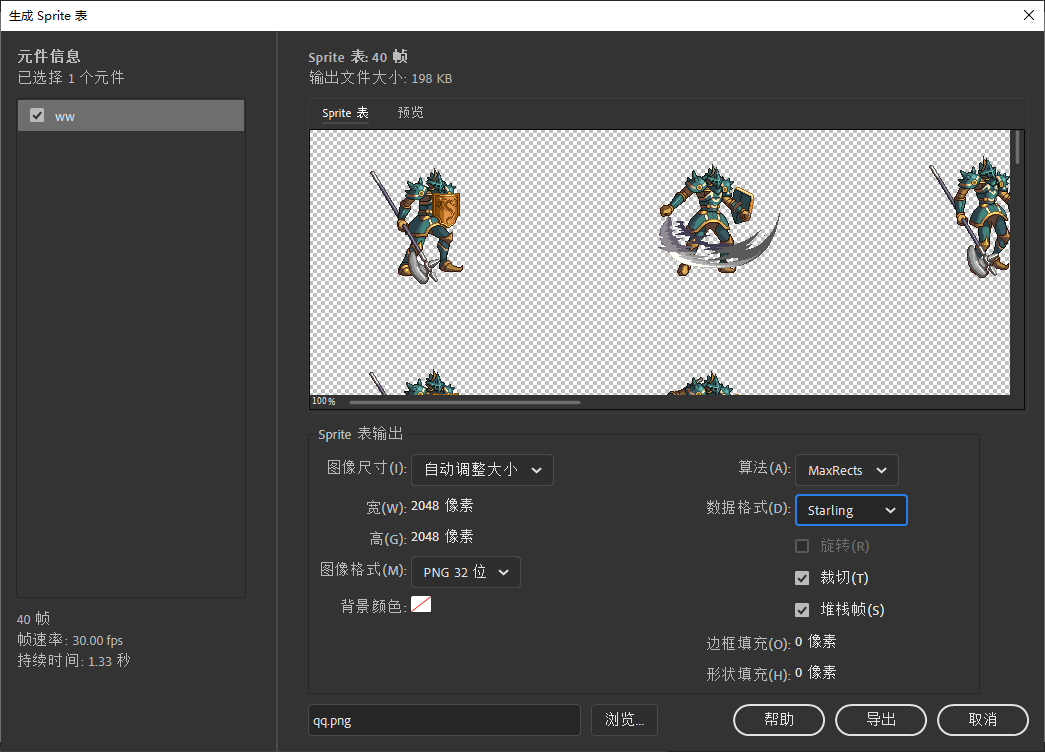
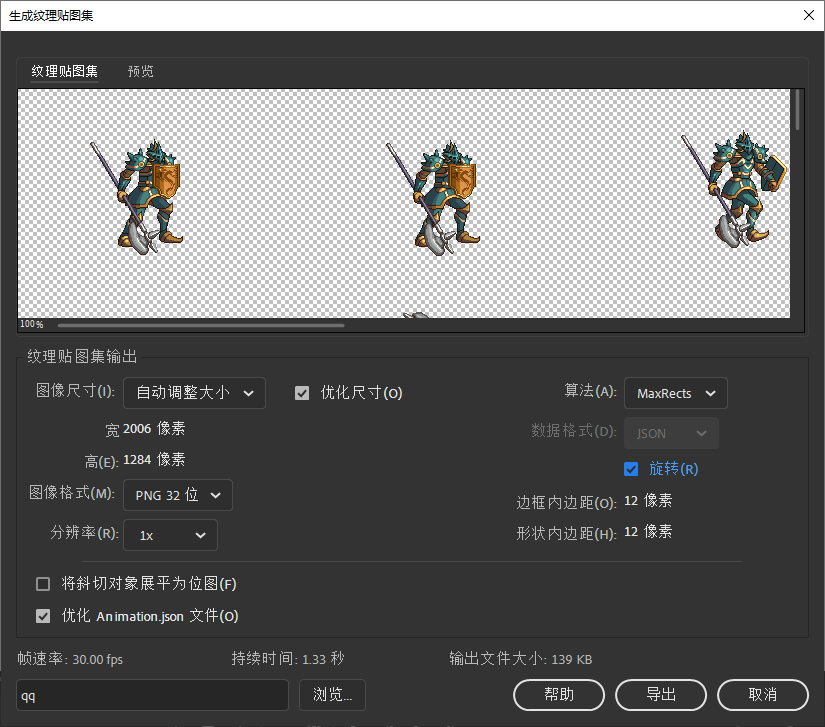
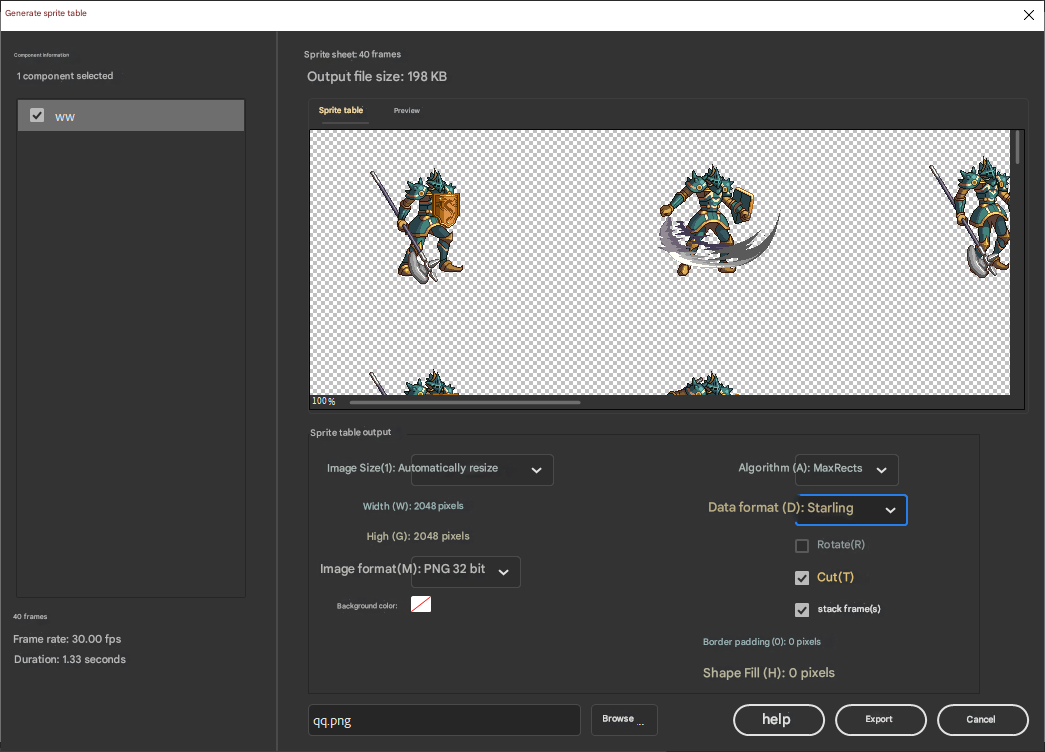
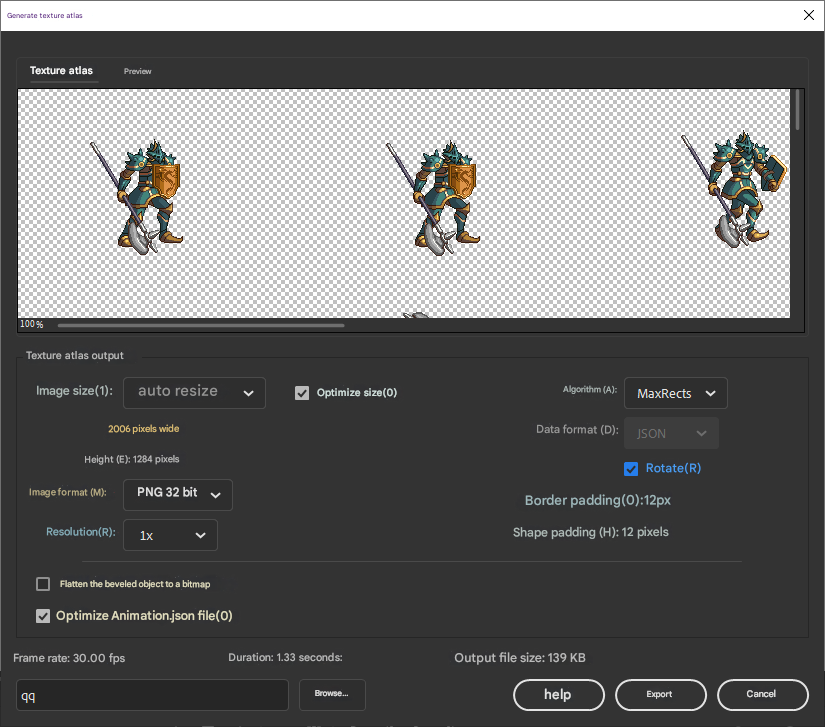
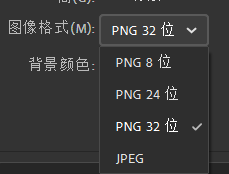
What other options do you have listed in the “Image format” drop-down?
Before using TexturePacker, I used to use png2atf to convert a PNG spritesheet to an ATF one. It was bundled with the AIR SDK (and may still be). There is some info on it here:
For me it was purchased by work, but it’s also a lifetime license (not that it matters much as I’m stuck at version 6.0.1 for ATF support).
Did you try the other options I mentioned in the other thread?
I’m not sure what they support in the ways of ATF format and such, but it’s worth giving a go.
You don’t have to use ATF, do you? I’ve been using PNG all along and I’m a beginner
starling
Why doesn’t the display object have ‘hitTestObject’?
No you don’t have to, but my advice was in direct response to your concern:
The ATF format supports hardware compression, which can significantly reduce GPU memory consumption.
.
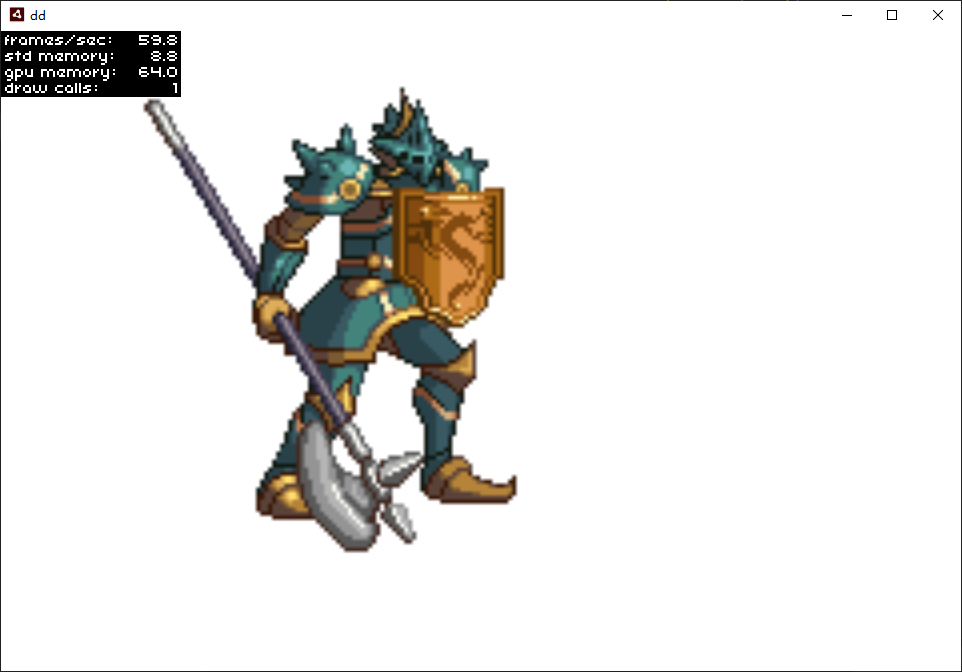
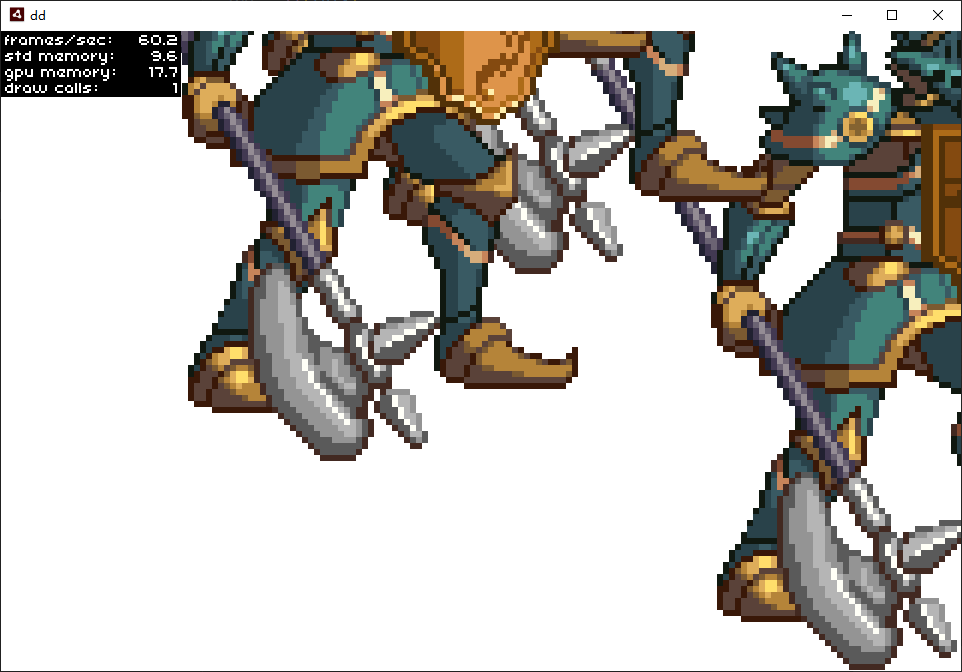
Why did my picture become blurry when enlarged?
Do I want to switch to maintaining pixel images?
.
Do you mean, as opposed to vector?
In a nutshell: performance.
Vectors are CPU intensive.
You can still have sharp images though, it’s a matter of asset management. You might use larger assets, with pre-generated mip-maps (lower resolution versions) you can use and optimise for at various scales.
Again though, a feature of ATF.
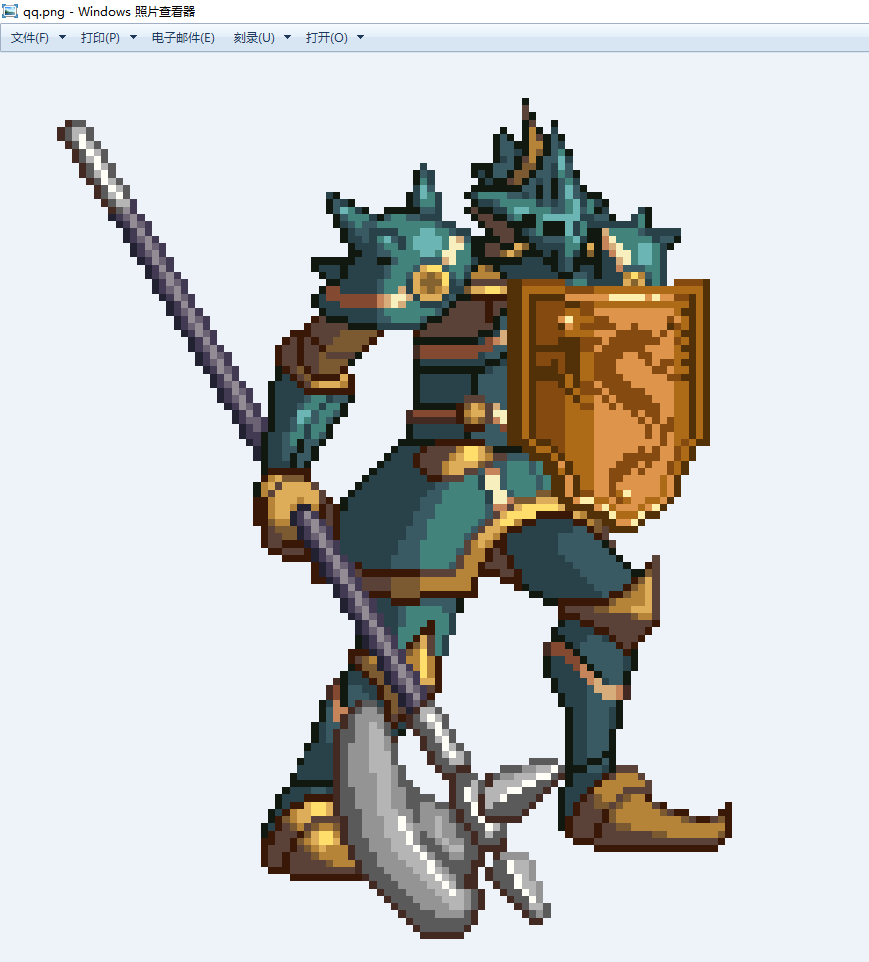
It looks like you want to set the image’s textureSmoothing property to TextureSmoothing.NONE.
1 Like
You would need to ask the author of the original AS3 version of Starling. We simply ported it to Haxe to work with OpenFL.
For reference, this is how OpenFL implements hitTestObject(). It’s pretty simple.
public function hitTestObject(obj:DisplayObject):Bool
{
	if (obj != null && obj.parent != null && parent != null)
	{
		var currentBounds = getBounds(this);
		var targetBounds = obj.getBounds(this);

		return currentBounds.intersects(targetBounds);
	}

	return false;
}
I think it would be pretty easy to convert that to work with Starling. If you didn’t want to modify Starling’s code, you could create some kind of “DisplayObjectUtils” class with static functions and make a slightly modified version that accepts two DisplayObjects. Maybe something like this:
public static function hitTestObjects(a:DisplayObject, b:DisplayObject):Bool
{
	if (a != null && a.parent != null && b != null && b.parent != null)
	{
		var currentBounds = a.getBounds(a);
		var targetBounds = b.getBounds(a);

		return currentBounds.intersects(targetBounds);
	}

	return false;
}
1 Like
Perhaps have a look at this @785597448:
That whole Wiki is probably going to be quite useful. Just remember, the examples are all written in ActionScript 3.0, not Haxe, so adjust accordingly.
2 Likes
Starling
TextField does not support autoSize?
TextField does not support calculating character size and length?
It does. See here:
import starling.text.TextField;
import starling.text.TextFieldAutoSize;

class StarlingTextFieldExample
{
    public function new()
    {
        // Create a TextField with initial width and height
        var textField = new TextField(100, 30, "AutoSize Example");

        // Set autoSize to HORIZONTAL, so the width will adjust automatically to the text length
        textField.autoSize = TextFieldAutoSize.HORIZONTAL;

        // Optionally, enable a border for debugging
        textField.border = true;

        // Add to display list
        addChild(textField);
    }
}
autoSize can be set to "none", "horizontal", "vertical", or "bothDirections" (see TextFieldAutoSize).
2 Likes