Introduction to Hxmaker Game Engine

Github: GitHub - rainyt/hxmaker: A unified game engine written in Haxe that can run on any game engine.

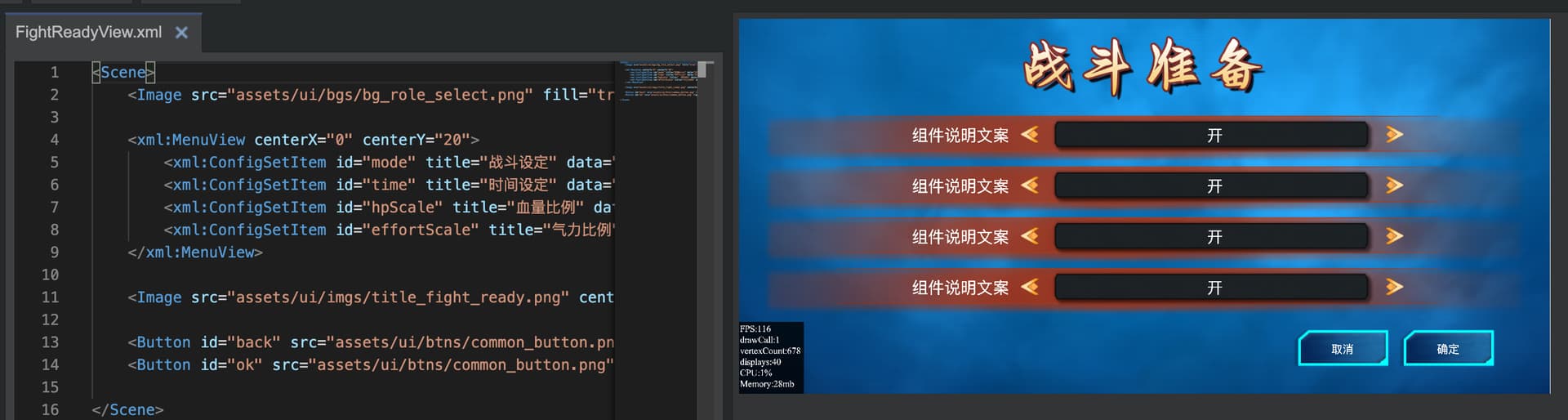
Hello everyone, I have been researching and developing this engine since 2024, and now I have started using it to make some games. I feel very happy during the use, so I would like to share some information with you about this engine.

In fact, the birth of this game engine originated from Update Feature/tilemap multitexture by barisyild · Pull Request #2751 · openfl/openfl · GitHub This PR. When I saw this tilemap multi texture enhanced PR, I was thinking about whether it would achieve good rendering performance if the entire game could be rendered with multiple textures. So I started doing it.

I am actually worried that having multiple textures may cause other unsafe issues, but so far there haven’t been too many unpleasant incidents.

And during the process of implementing this, I encountered many problems. For example, I don’t want to just use rectangular rendering like tilemap type. Later, I tried adding triangle drawing and also supported multi texture rendering together.

And during the process of implementing this, I encountered many problems. For example, I don’t want to just use rectangular rendering like tilemap type. Later, I tried adding triangle drawing and also supported multi texture rendering together. Now I can render both regular image display objects (hx.display.Image) and Spine skeleton animations (hx.display.Spine) together.

With the addition of triangle drawing, it means that making games will be easier. Because in many cases, it only requires one rendering to complete the game screen due to multi texture rendering

At present, this game engine can be used on OpenFL, so it can be seen as an enhanced version of Tilemap. However, due to the addition of many extension features that make it behave more like openfl.display.DisplayObject, its performance may not be as good as Tilemap. But I don’t think this little sacrifice is much, the performance is still sufficient to use.

It has a complete event system, such as TouchEvent, MouseEvent, KeyboardEvent.

It is not yet ready to release its first version, but I would like to share it with everyone. If you have any suggestions, please let me know and I will continue to work hard to improve this game engine. Thank you.

4 Likes

That’s interesting :wink:

1 Like


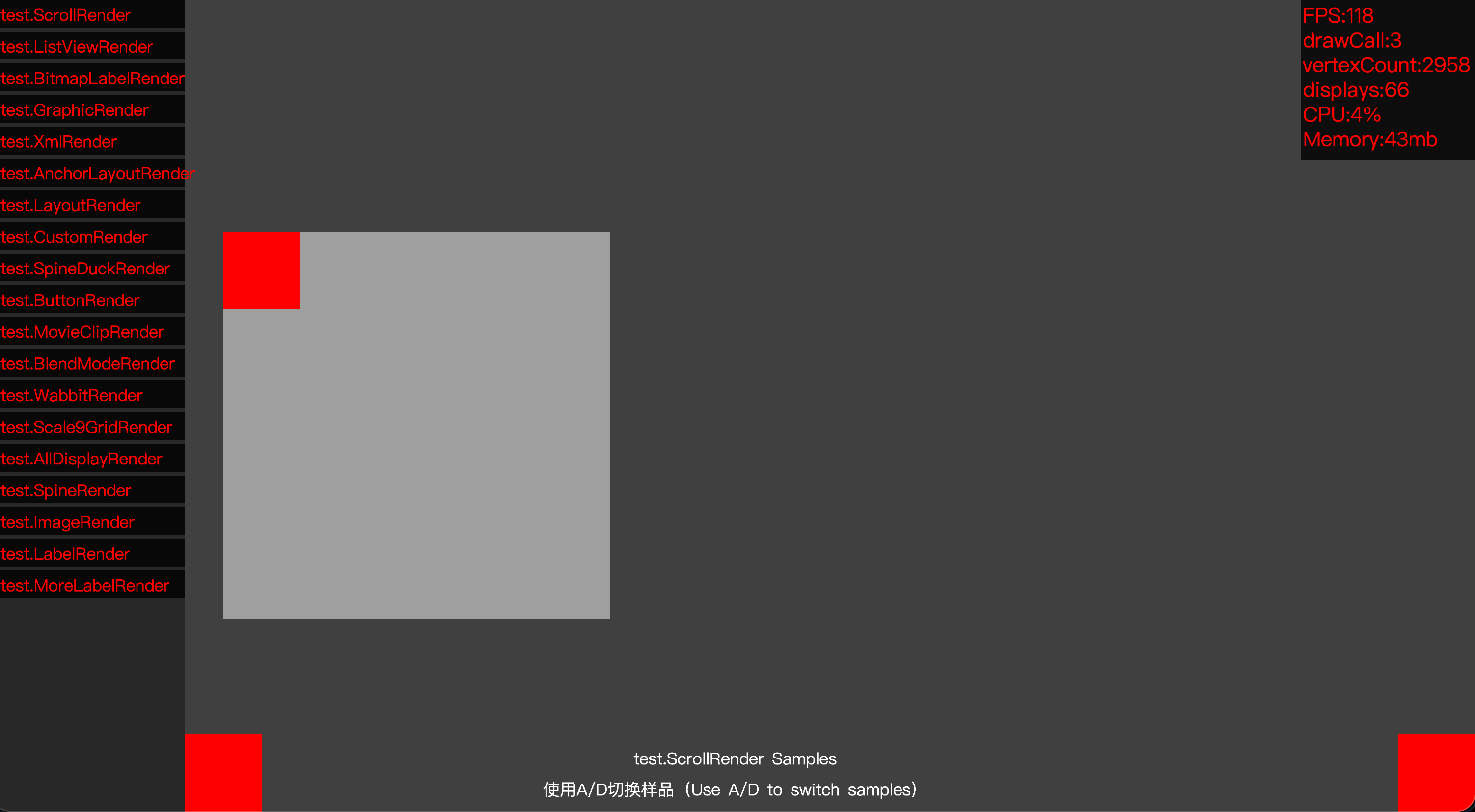
In hxmaker-openfl/samples at main · rainyt/hxmaker-openfl · GitHub It contains a test case for hxmaker, and next I will introduce the situation of each test case.

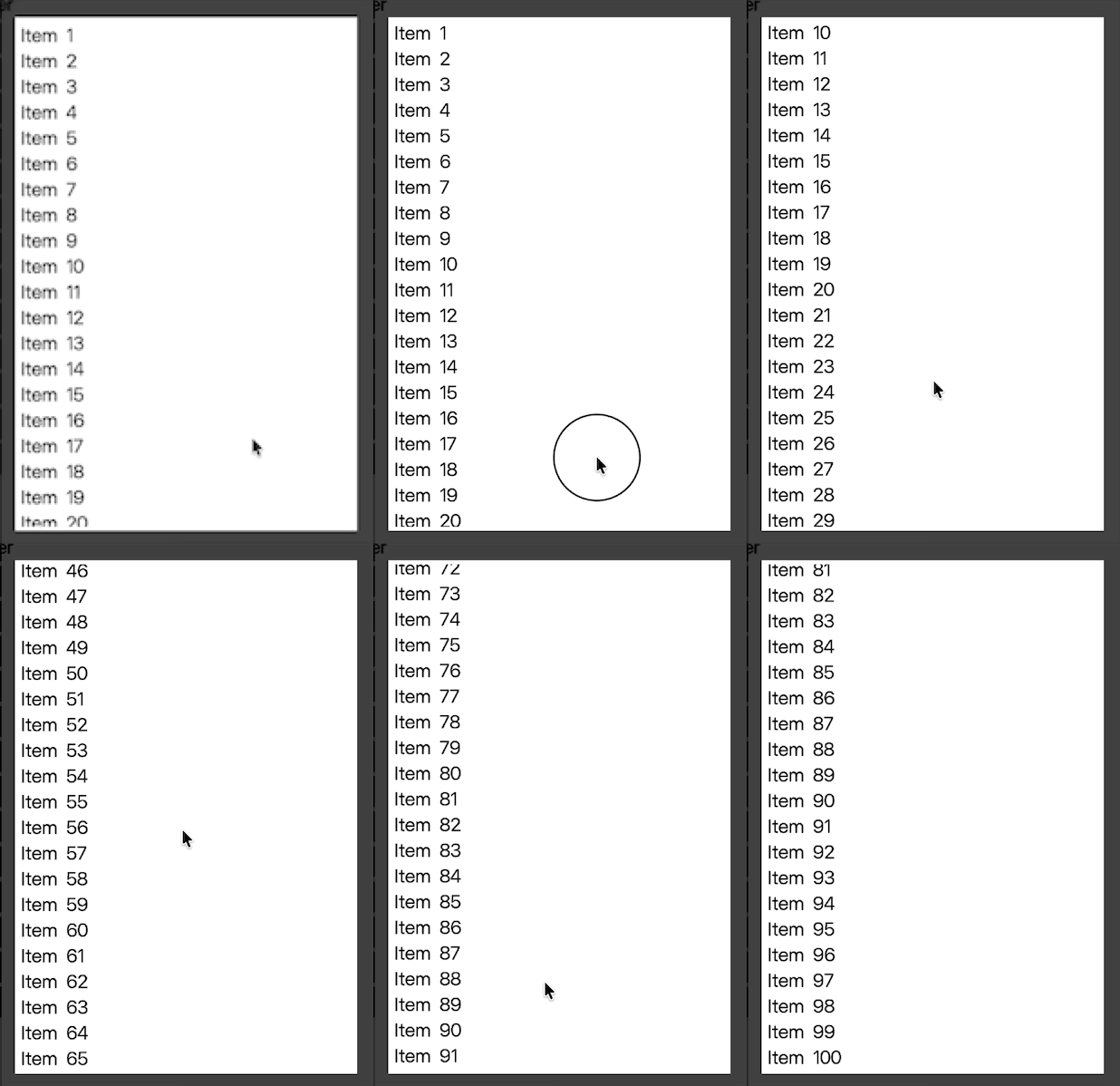
Jietu20251026-114724-HD
This is a commonly used ListView and sub item rendering, using hx.display.Label for plain text rendering.

Its rendering hierarchy looks like this:
ListView
LabelItemRenderer
Label
LabelItemRenderer
Label
LabelItemRenderer
Label
LabelItemRenderer
Label

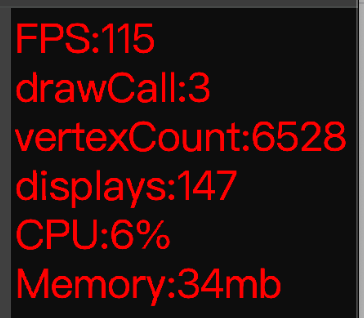
However, it will only generate 3drawcall. Among them, there is a matrix mask in the ListView, so a drawcall will inevitably occur. The background, mask, and contents inside will form three drawings.


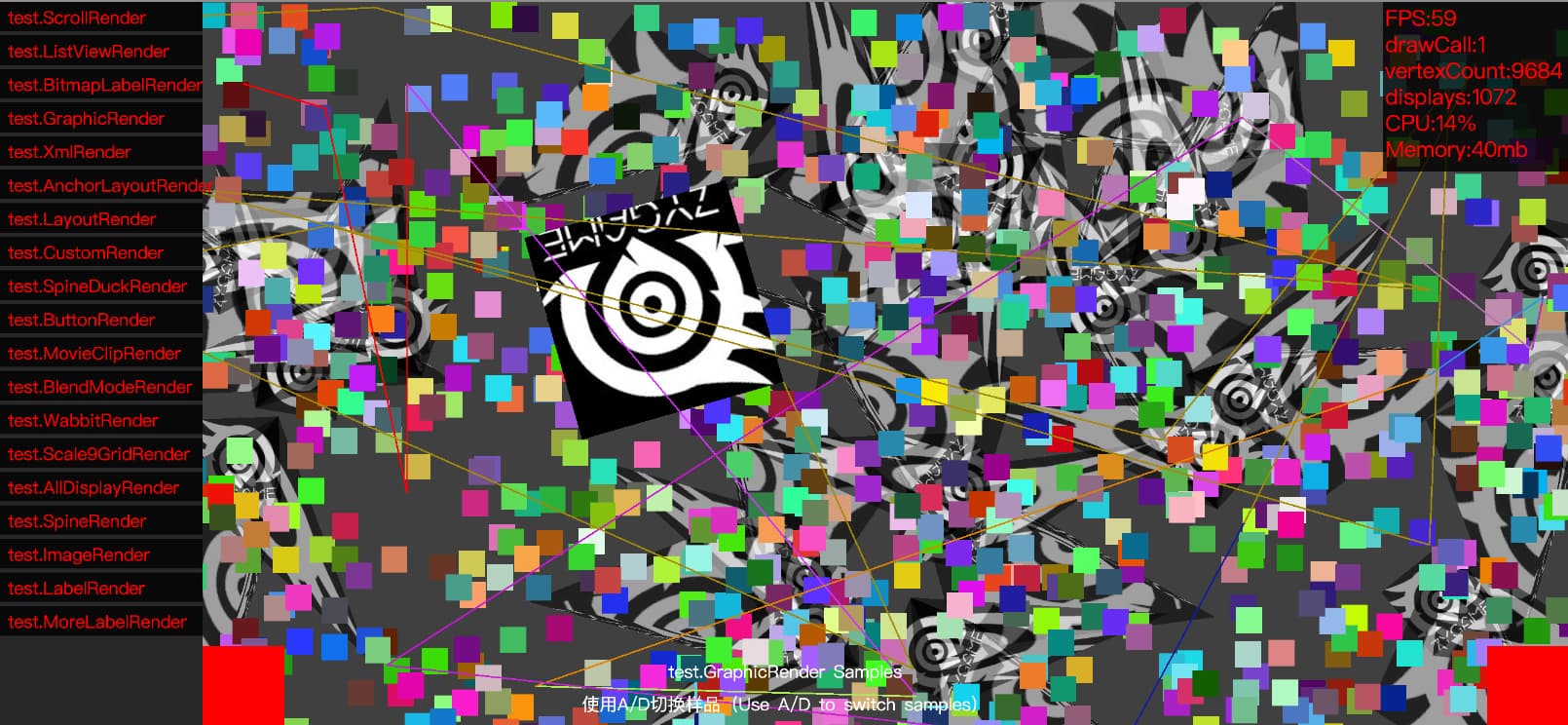
Some tests for mixed rendering of triangles and regular rectangles require only 1 draw call for all content. Please note that it is not one image, there are many images.


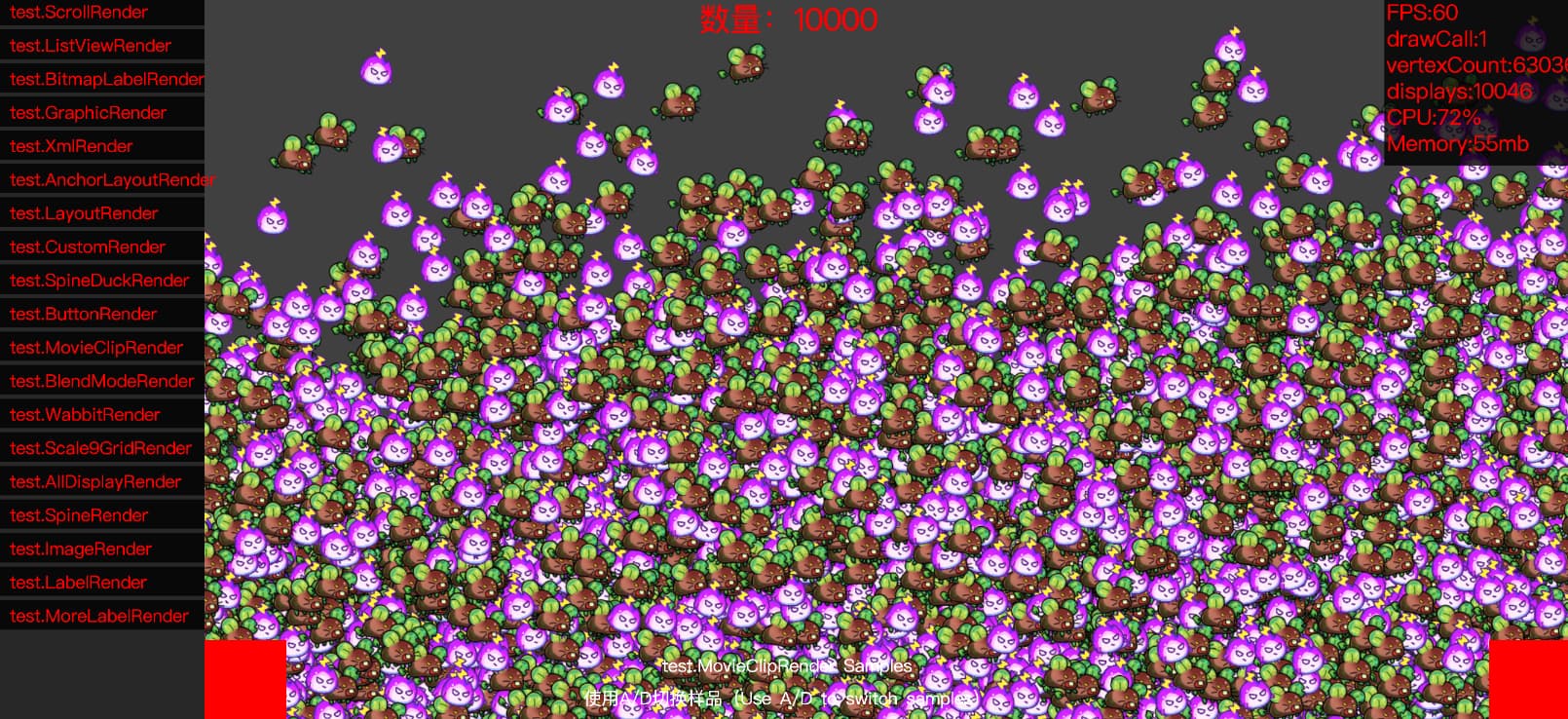
10000 MovieClip objects can be maintained at 60FPS and only require 1darwcall.

1 Like


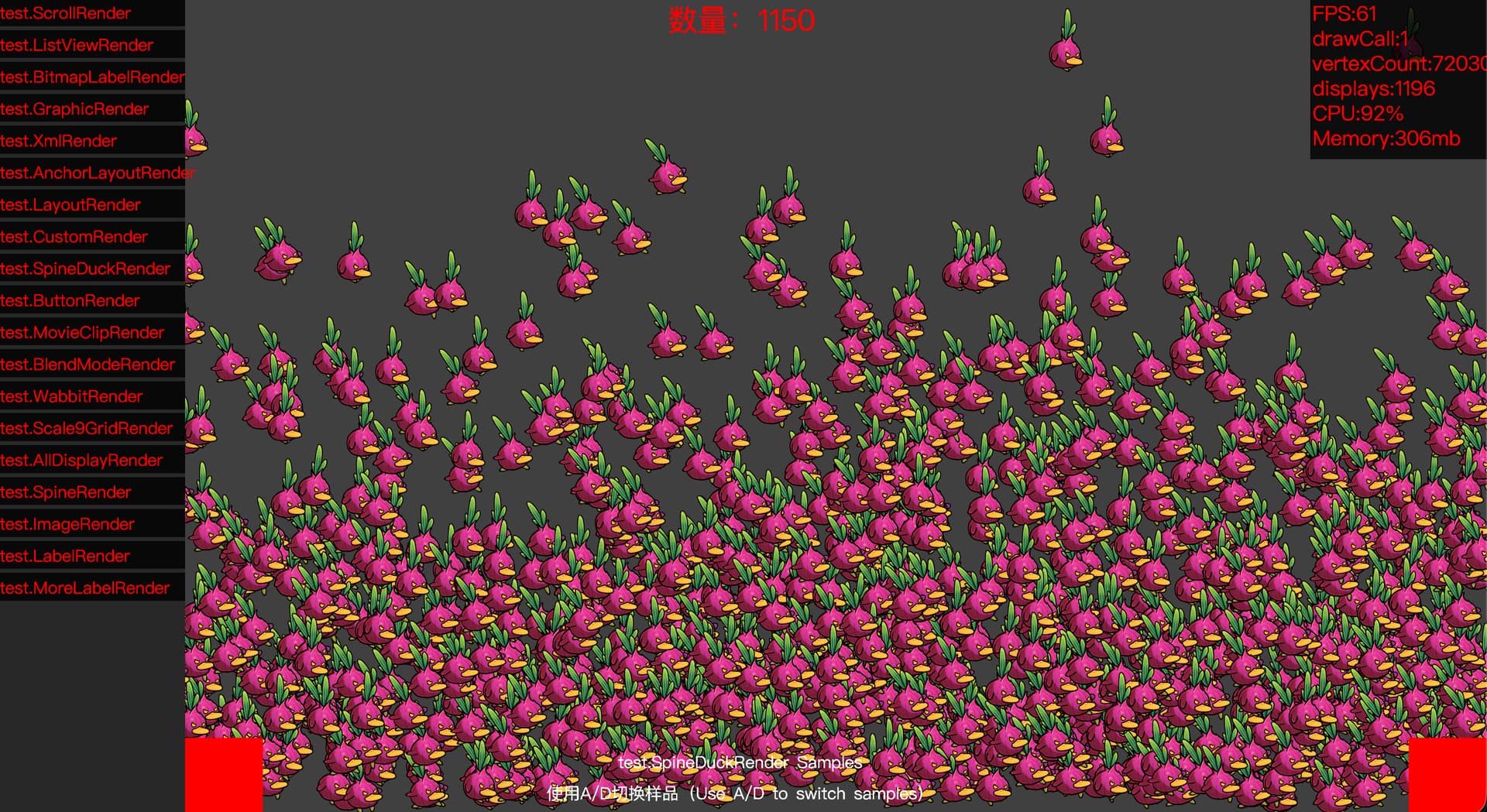
If it’s Spine’s duck, it can render 1000+at 60FPS.In fact, the consumption here is more of spine animation. If we reduce the frame rate of spine, we can continue to increase the quantity.

1 Like


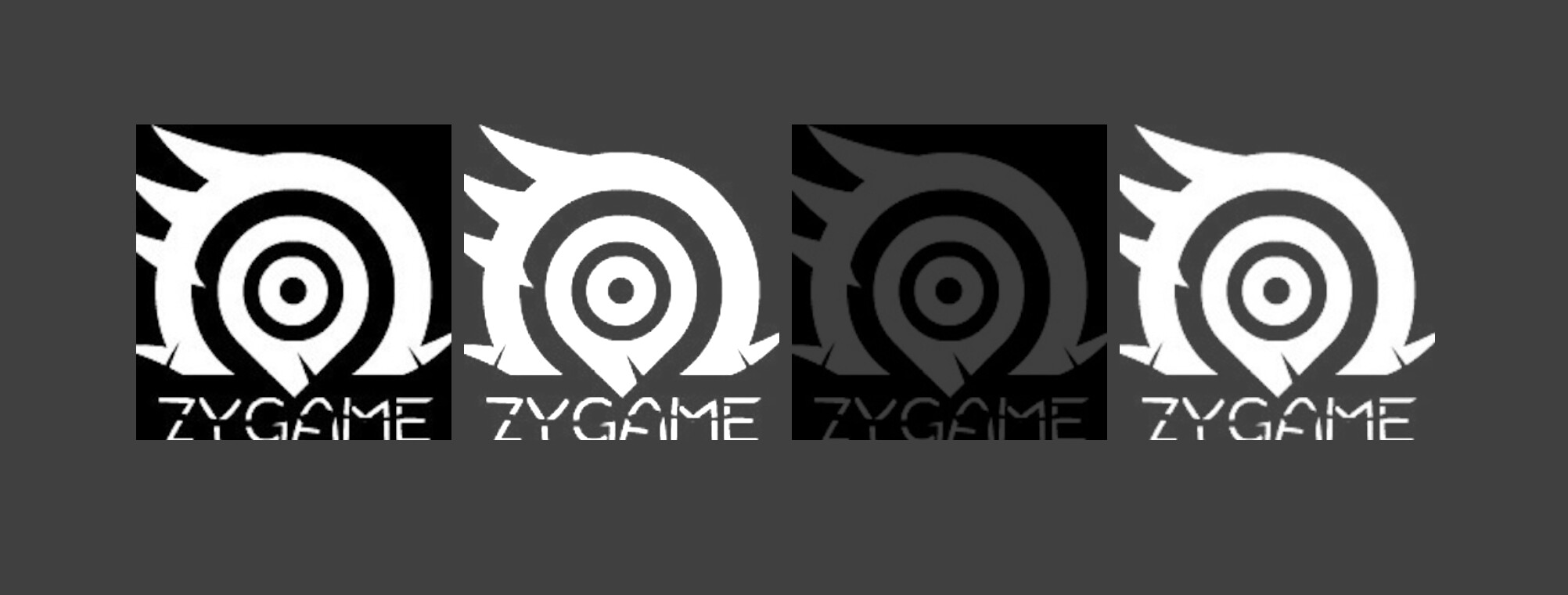
Supports BlendMode rendering mode, where BlendMode.ADD is free and can participate in automatic batch merging. Other blend modes will generate 1 draw call.

1 Like


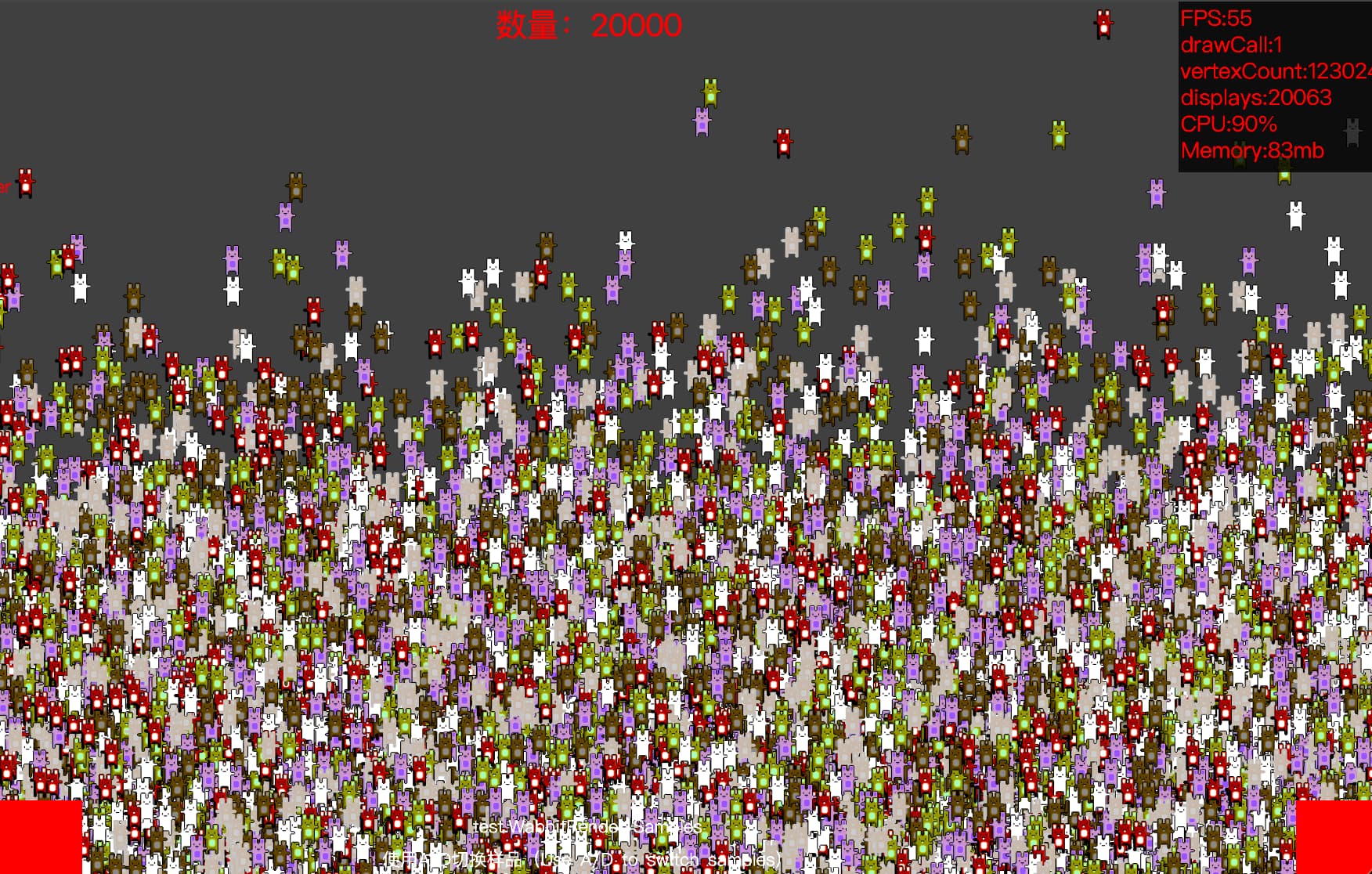
There are 20000 rabbit Image display objects here, which can be maintained at 60FPS. There are 6 different pictures of rabbits here, and rabbits of different colors represent 1 picture. Here, only 1 draw call is needed.

1 Like

image

I mean yeah it’s high haha, but it is 20,000 rabbits :sweat_smile:

Pushing it to the limit @rainy :smiley::+1:

:sweat_smile: I usually stop when FPS is about to drop, and I don’t actually need so many rabbits.

1 Like


Here are 5 images and 1 text texture. In the past, when making the interface, if you needed to optimize performance well, you might have considered squeezing all the images into one sprite image. But now you don’t need to consider so many, Now only 1drawcall is needed. The most comfortable part of this engine for me currently is that I don’t need to worry too much about the order of rendering images, because even if there are 8-15 different images, it can still be completed using 1drwacall.

Recently, I have encountered the common issue of screen tearing on WEBGL, but I have noticed that almost many games have this problem. However, native versions of games on mobile phones rarely occur, perhaps due to the screen and underlying rendering of the game. I plan to put this issue on hold for now. If you have any good suggestions, please let me know.

Related questions: [Neko/Hashlink/CPP] Frame rate is consistently higher than specified in project.xml, leads to skipping frames and screen tearing. · Issue #2594 · openfl/openfl · GitHub

I’ve been following you on GitHub since quite a while, your profile is a great source of inspiration of Haxe related stuff. Nice work with this engine, congrats!

3 Likes

I’m glad to hear that! :grinning_face_with_smiling_eyes:

.
@Bink
@joshtynjala
.
I noticed that the author raised a question,
What is the reason for the “web gl” screen tearing problem?
Is it an ‘openfl’ error?
.

I’m not sure what the specific reason might be, but it’s important to remember that when targeting HTML5, the application is being run within a browser, which forces its own event loop and compositor, and the application remains subject to that. It exists within the browser’s sandbox, which blocks direct control over vsync.

When building for native targets, a much higher degree of direct access to system resources is available, and issues like vsync can be directly managed from code (for example).

The things that come to my mind to test are :

  • Is it consistent across different browsers? (eg: Firefox / Chomium)
  • Is it consistent across projects? Is the event loop being overloaded? Is it an issue on a simple project?
  • Is it consistent across OS? Are there OS level settings that can address it, that the browser would honour? (eg: enable vsync)

Have you ever encountered a “screen tearing problem” while developing with “openfl” for many years?

I can’t say I recall any with OpenFL.

I just tested the Starling demo (benchmark), and the OpenFL BunnyMark sample. I was not able to produce any noticeable screen tearing on my system, on either display, 4K @ 60Hz or 1440p @ 120Hz. Adaptive sync is enabled on my 4K screen, but was disabled on my 1440p screen.

I tested in both Firefox and Chromium derivatives with the HTML5 target, and also with HashLink.

Screen tearing is the sort of issues that’s typically addressed by adjusting system and display settings. Things like enabling vsync, or better yet, adaptive sync on the display and in the OS.