
It seems that you have tested it in great detail,
The ‘openfl’ community needs active contributors like you,
Thank you very much for your contribution.
I don’t mean to undermine @rainy’s efforts to address the vsync issue by suggesting there isn’t one. I’m just reporting my findings, to hopefully narrow the scope of possible causes (it’s apparently not a universal issue).
1 Like

I am currently trying to create the effect of dropping props, A large number of props have been dropped here, all of which are individual pictures, and only need to drawcall 17 times.
1 Like
Today I added filter rendering support for Hxmaker, which performs better than OpenFL’s filters and is almost free.
Use:
this.filters = [new hx.filters.InvertColorFilter()];
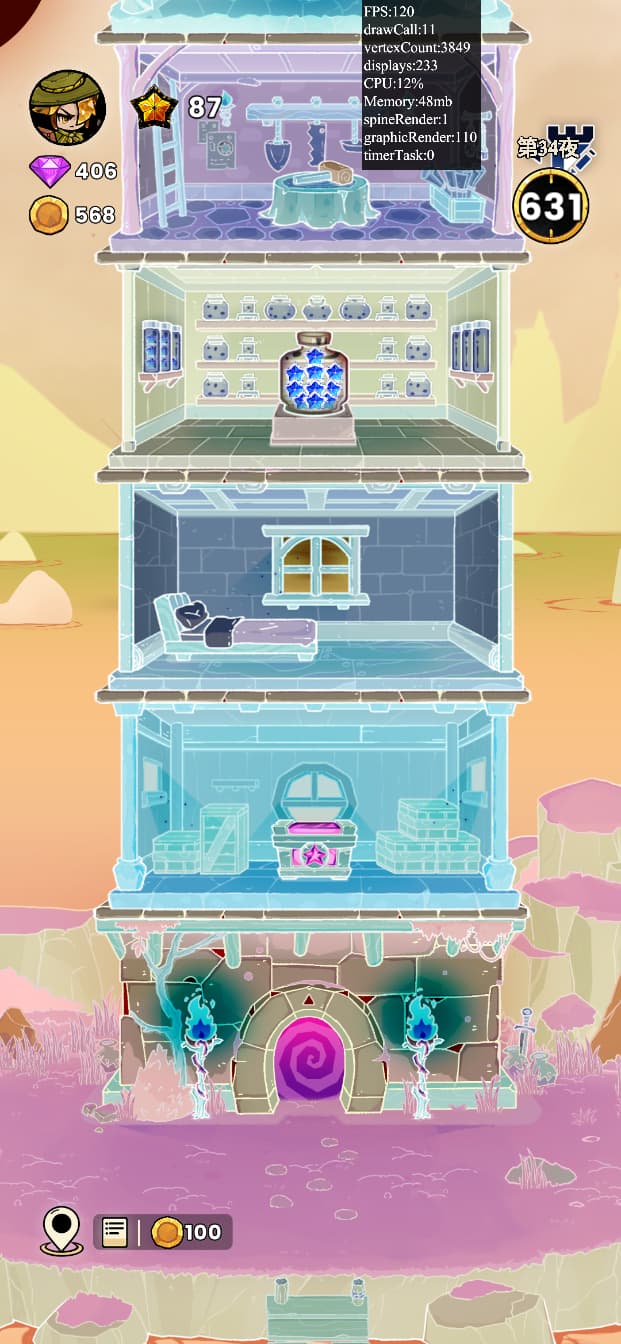
Hxmaker’s filters can easily achieve post game rendering effects such as flooding, blurring, font strokes, and more. It will use the same BitmapData texture for repeated rendering without causing continuous memory gain. Even BitmapData don’t use, and basic display objects can be used to re render the content structure.
this.filters = [
            new hx.filters.InvertColorFilter(),
            new hx.filters.InvertColorFilter(),
            // new hx.filters.InvertColorFilter()
        ];
When there are two filters, the second filter will use the result rendered by the first filter for a second rendering.
3 Likes
Bloom:
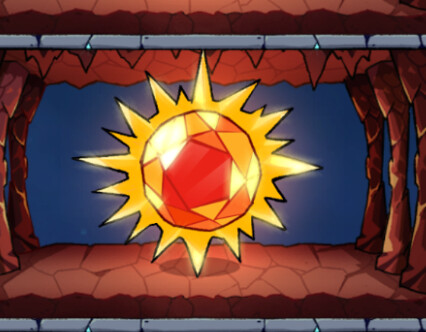
Layer:

None:
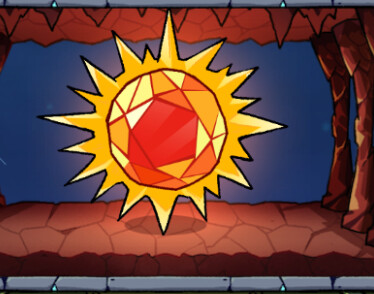
Bloom effects can be added to a scene, making it easy to apply filter post-processing effects. The Bloom effect is to render the highlighted areas, blur them, and then add them to the original rendered image.
this.filters = [new hx.filters.BloomFilter()];
2 Likes
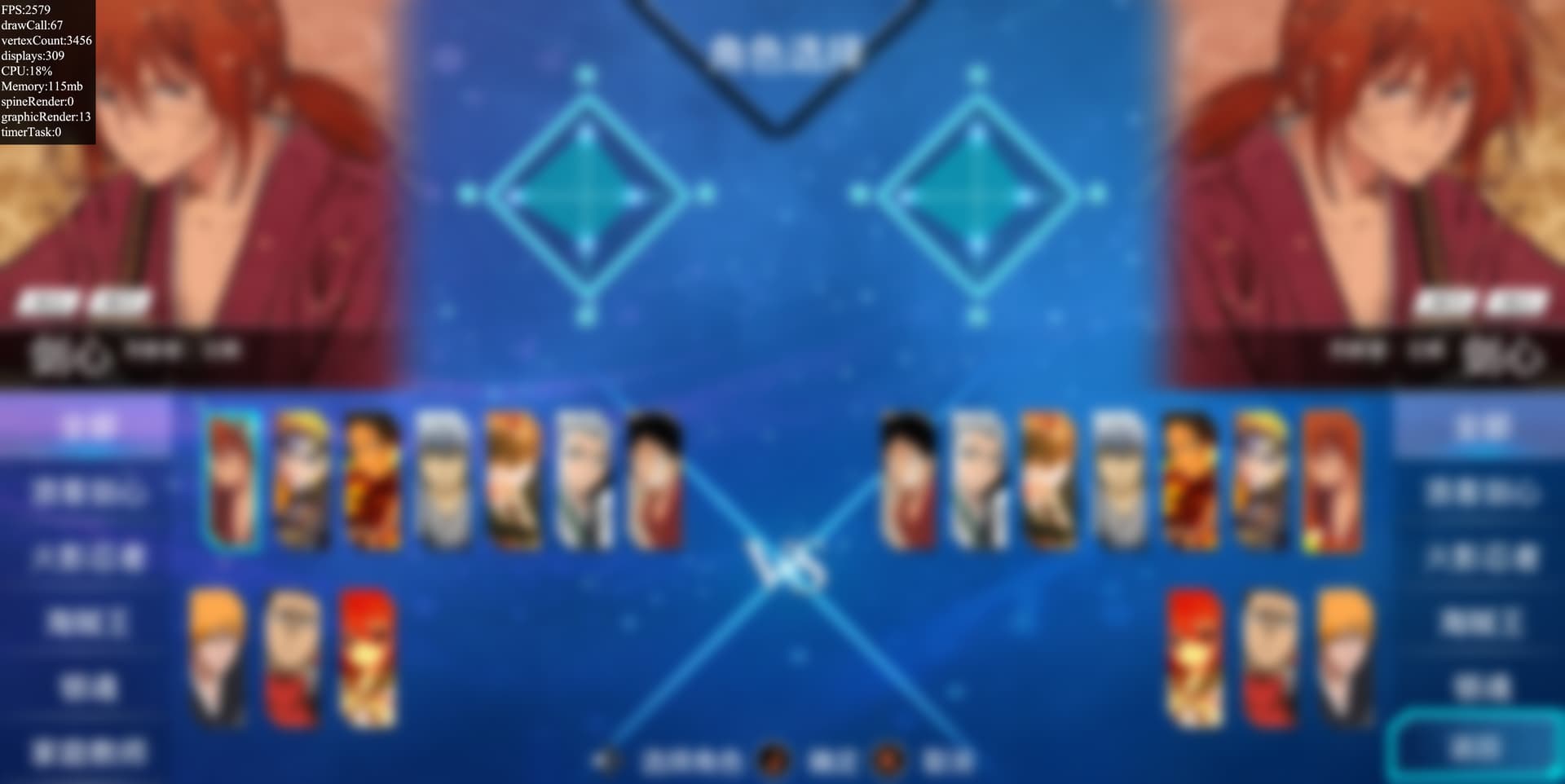
Blur filter, now I understand that filters used to require multiple renderings to obtain high-quality images. I referred to the implementation of BlurShader in openfl for this filter.

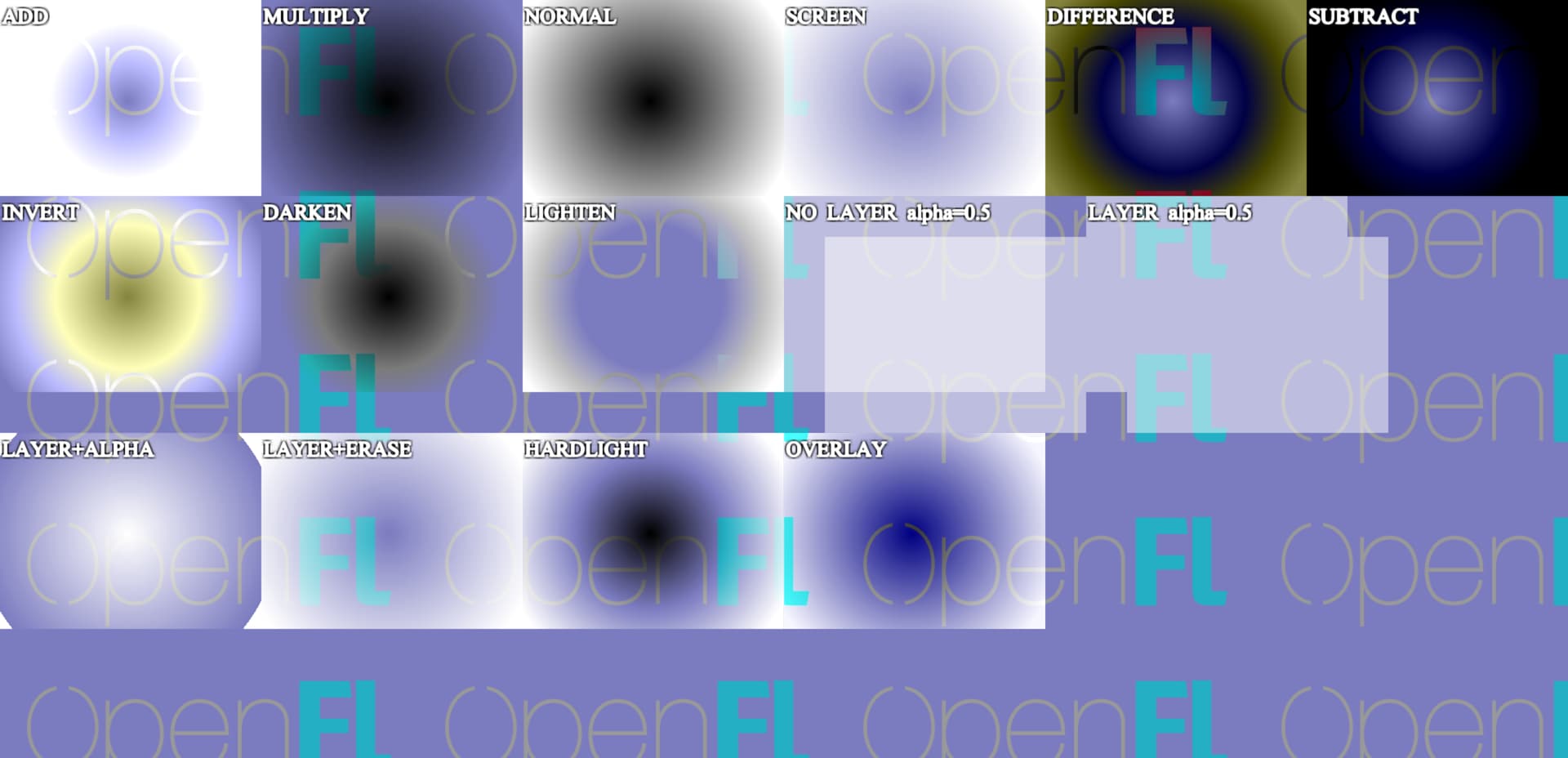
Support BlendMode.SUBTRACT rendering:
this.blendMode = BlendMode.SUBRACT;
Due to some special BlendMode being ineffective in HTML5 goals, corresponding rendering effects of BlendMode can be gradually implemented in hxmaker.



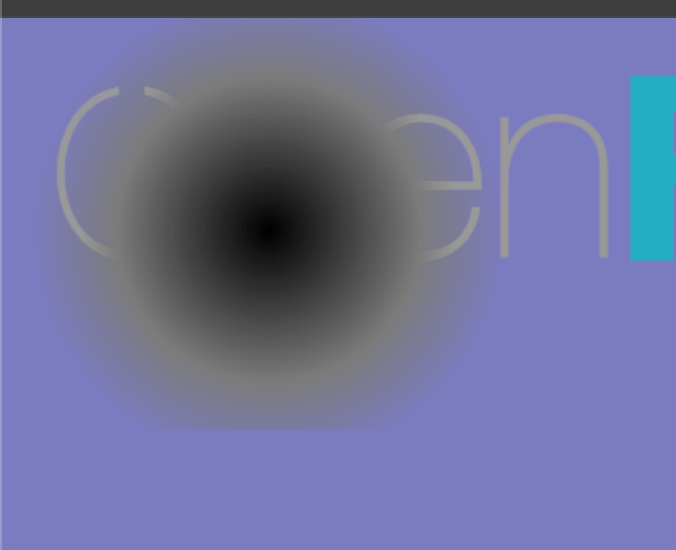




BlendMode.ALPHA + BlendMode.LAYER:
var white = new Image(assets.getBitmapData("white"));
layer.addChild(white);

var white = new Image(assets.getBitmapData("white"));
layer.addChild(white);
white.x = white.y = 100;

var light = new Image(assets.getBitmapData("light"));
layer.addChild(light);
light.x = light.y = 50;
light.blendMode = ALPHA;
I don’t remember if the render in Flash is like this, but it should be similar.

Added HARDLIGHT and OVERLAY rendering modes, Comparing them, I placed an original picture:
None:
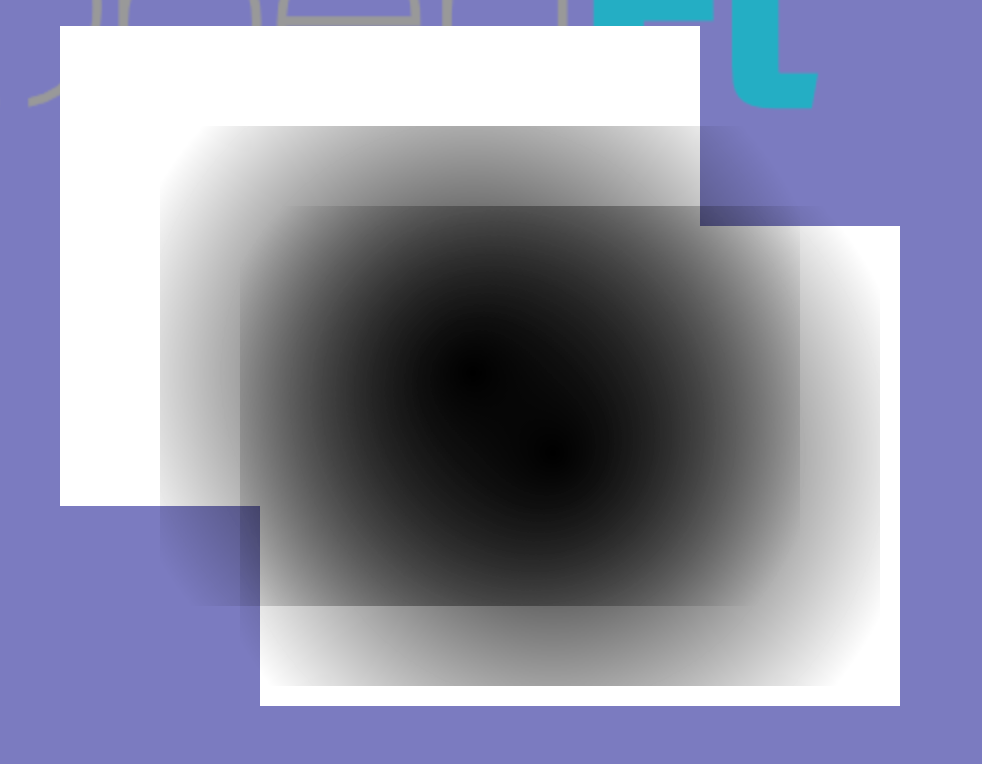
HARDLIGHT:
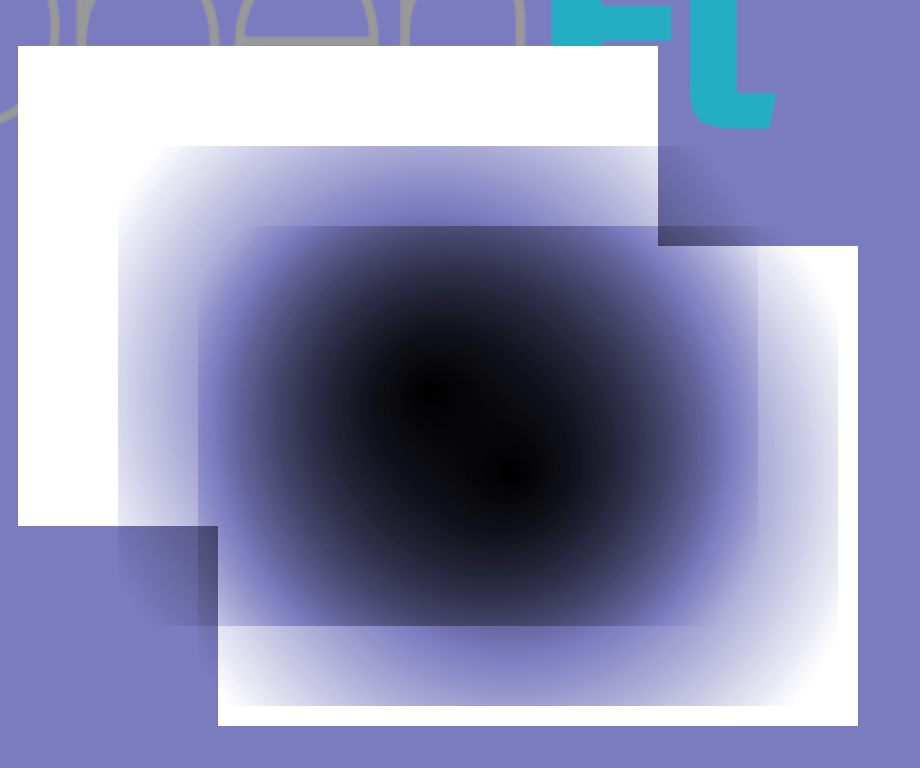
OVERLAY:
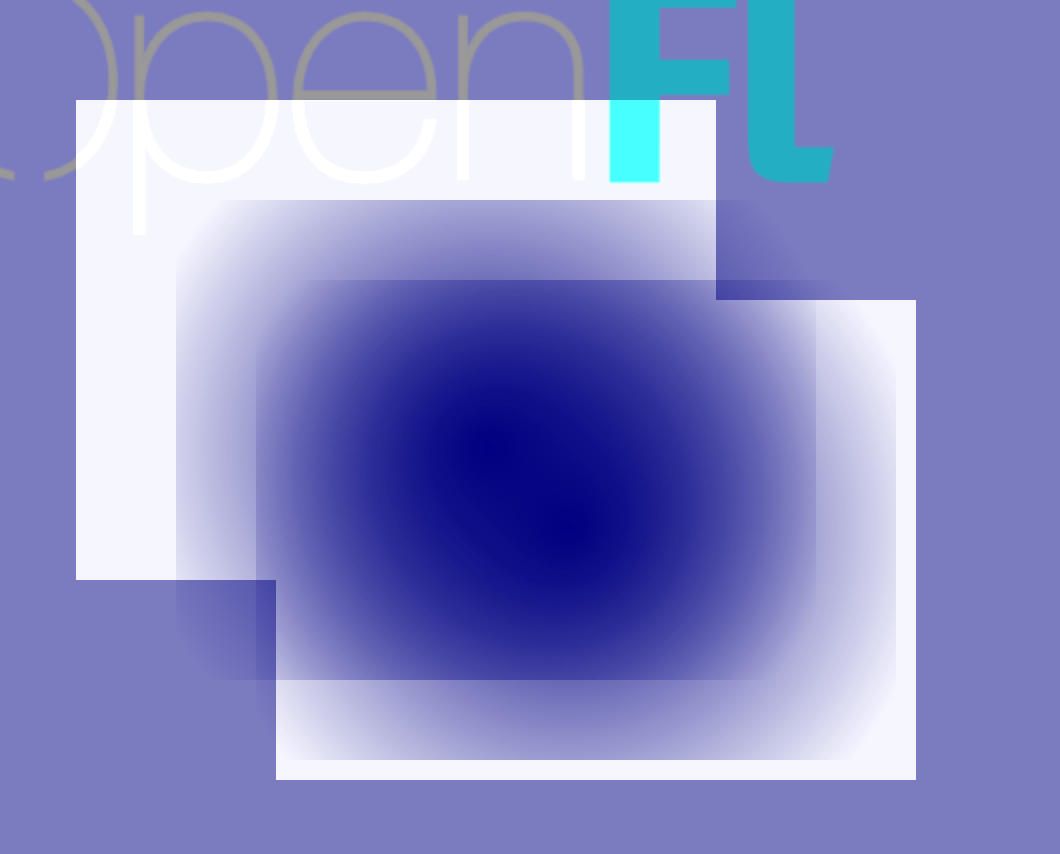
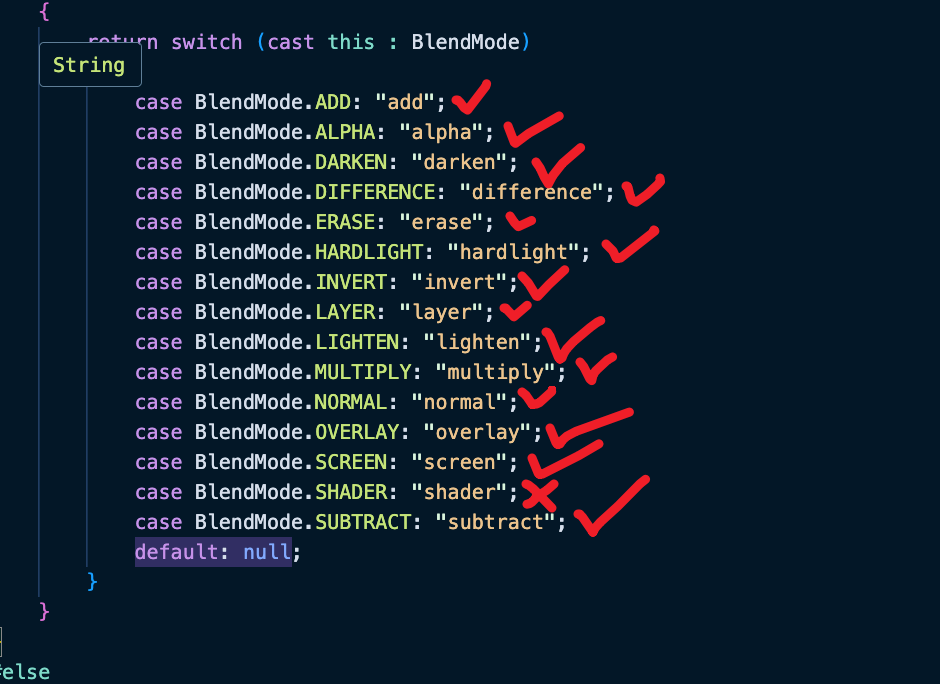
 Nice, I have successfully implemented all rendering modes
Implement MP3 playback support on Android devices through SoundPool and MediaPlayer.
2 Likes
Hxmaker adds particle system support, This contains 5000 particle objects and can also participate in multi texture rendering. I can put 15000 particles like this on my computer (MacM1) keep 60 FPS.
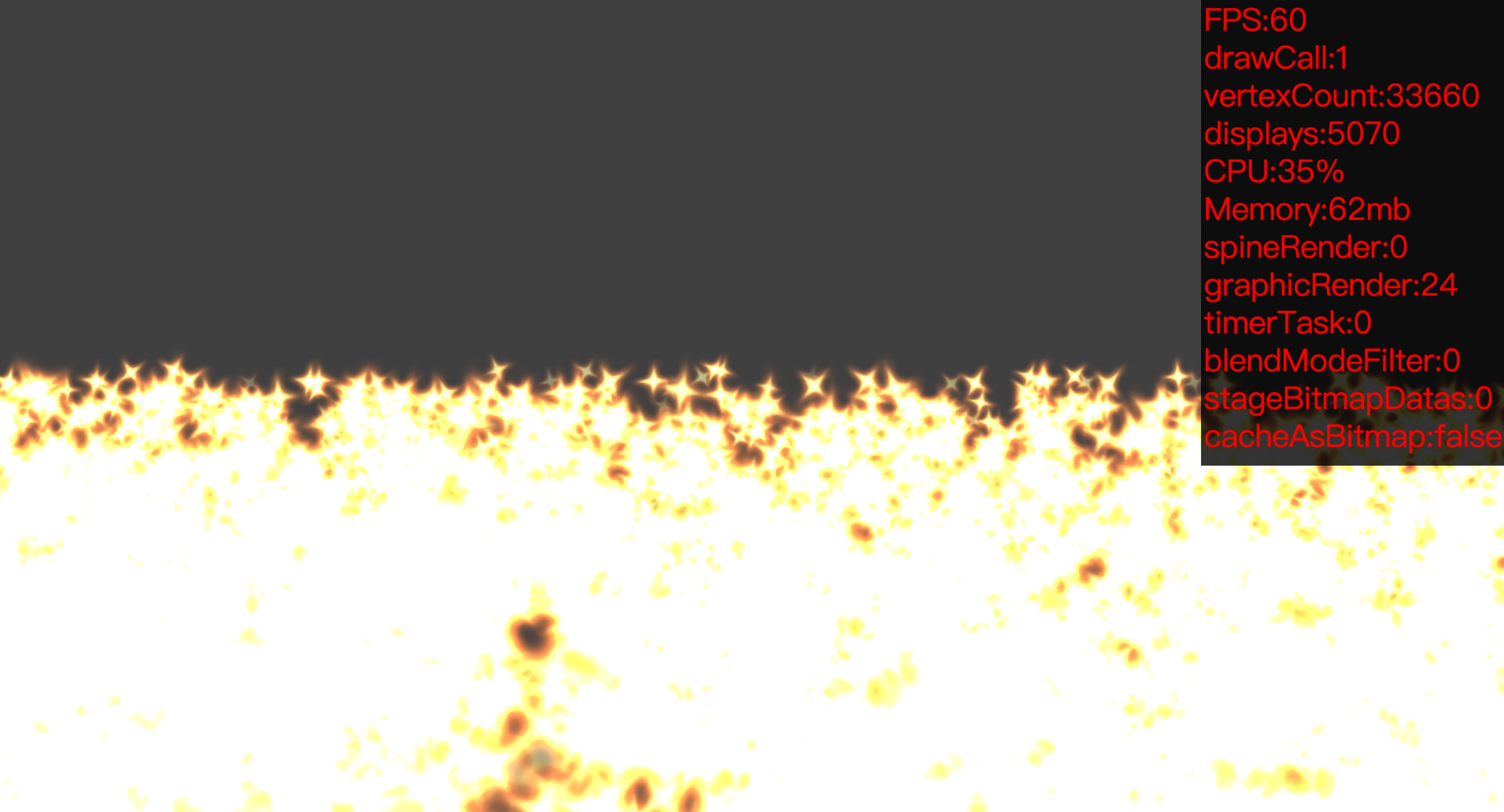
And, Support dynamic coordinates, which is the effect of emitting particles dynamically along with the mouse.
2 Likes