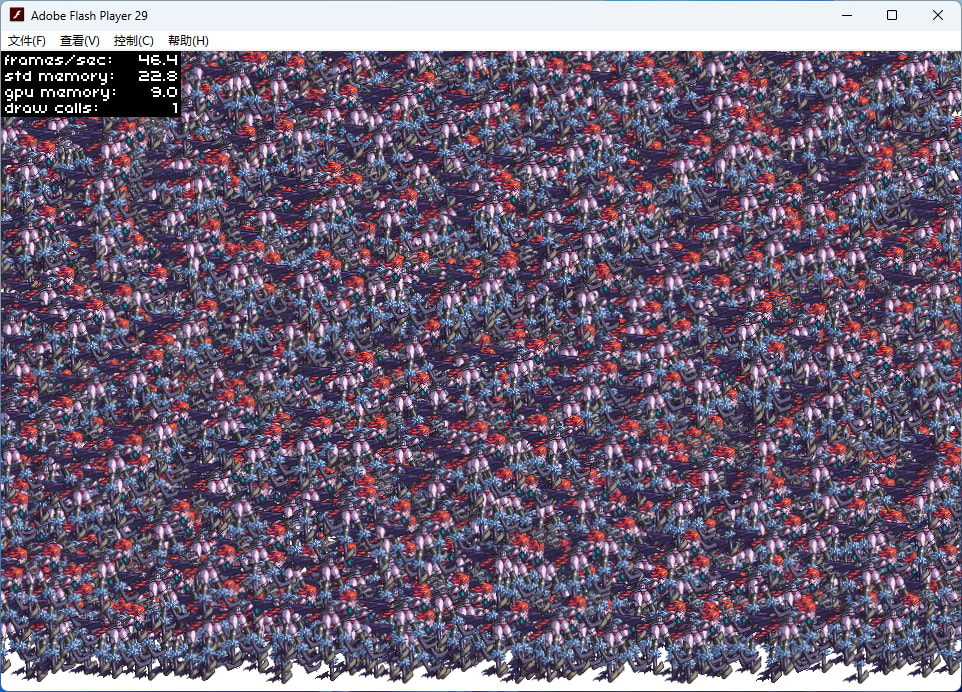
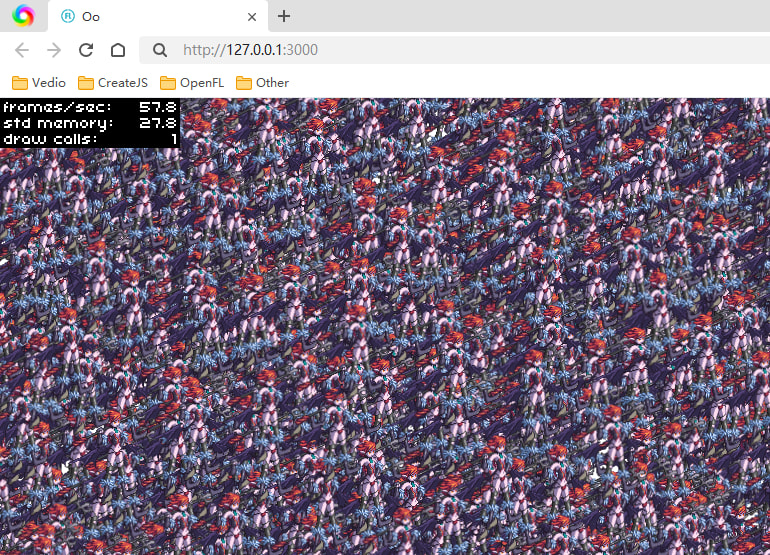
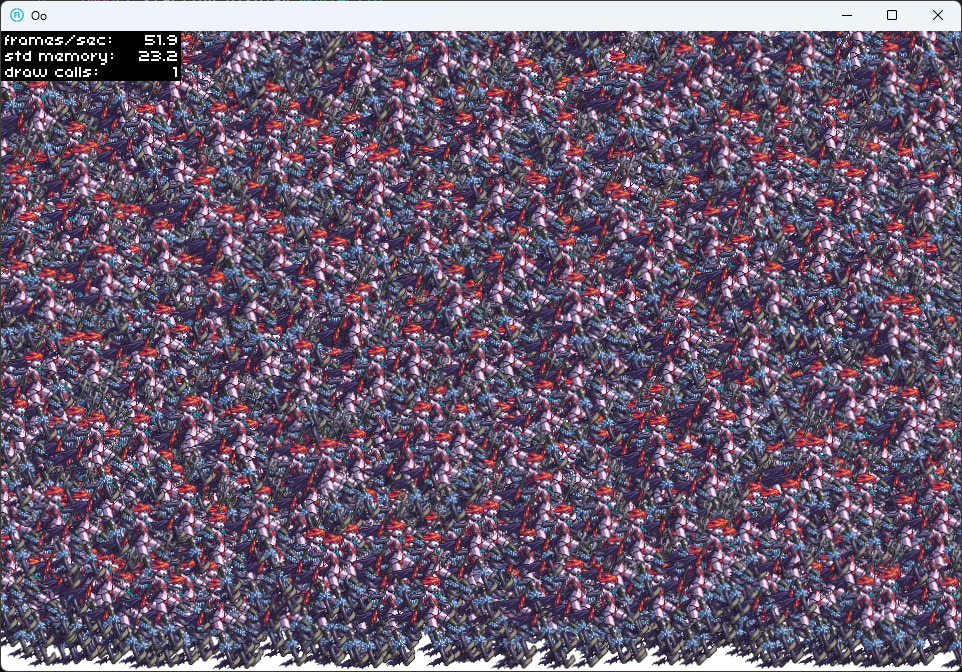
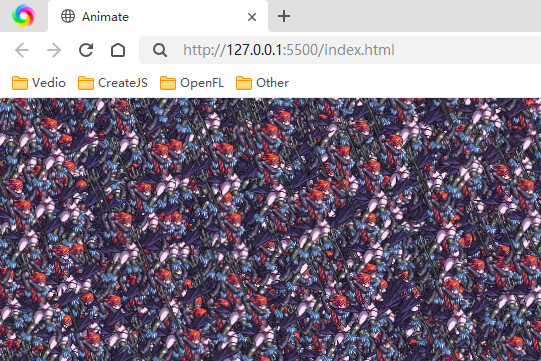
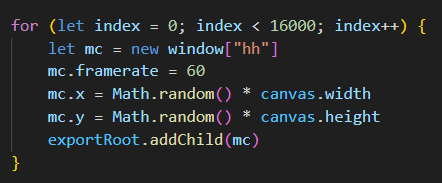
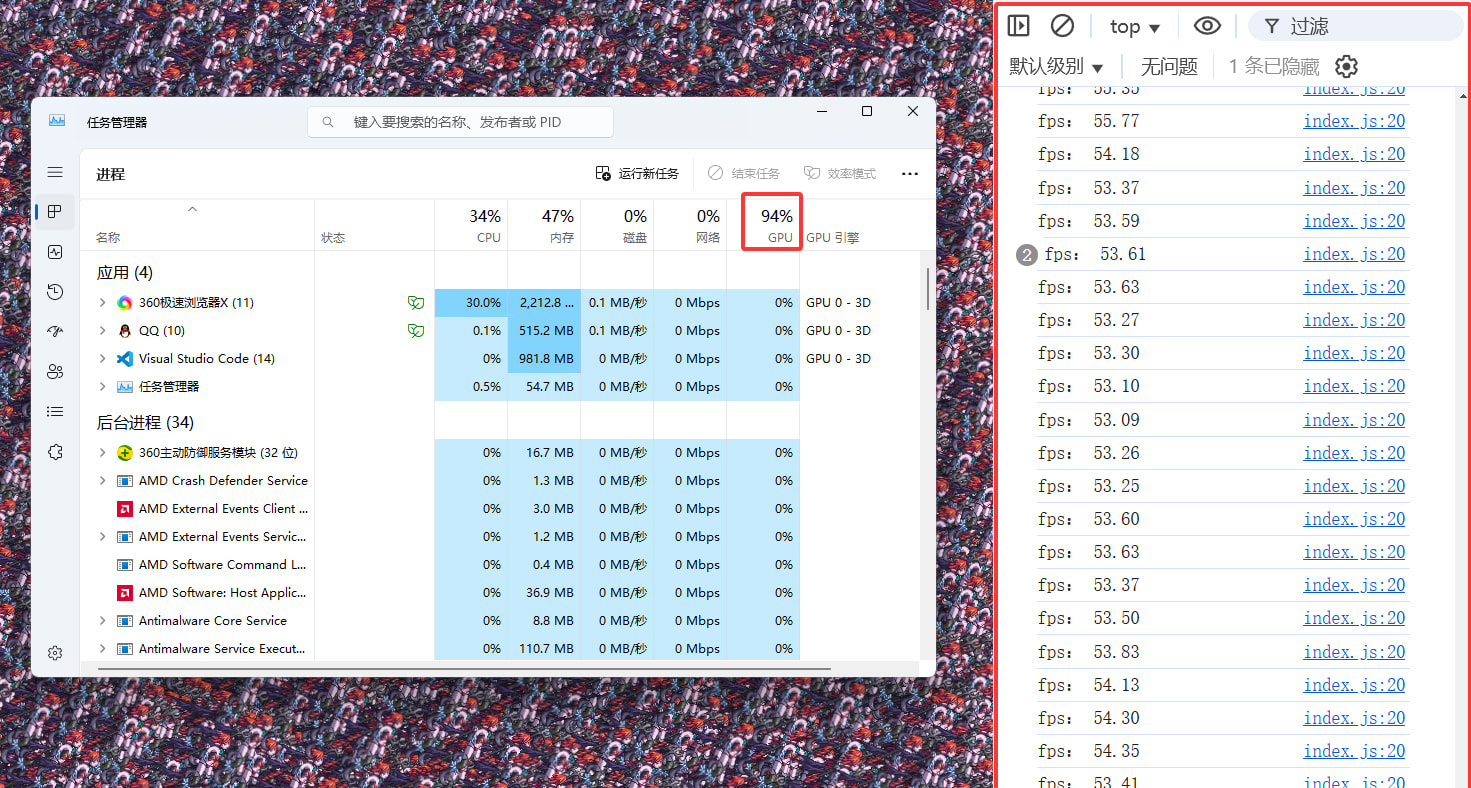
If you are interested, you can come and take a look at my test results, "as3.0 starling openfl starling createjs" rendering performance

If you are interested, you can come and take a look at my test results, “as3.0 starling openfl starling createjs” rendering performance

Hello everyone, just now I conducted a maximum animation rendering test on my old computer from over 10 years ago.

Test the same texture animation separately using ‘as3 starling openfl starling createjs’.

“as3.0 starling 2800”
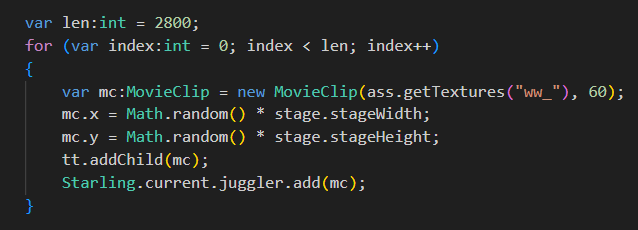
“openfl starling 3100”

”html5“
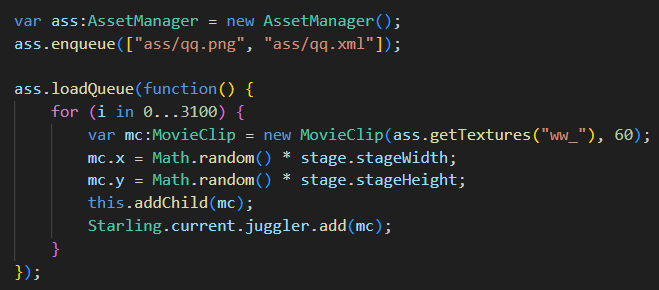
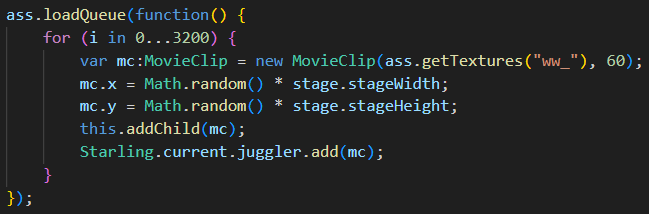
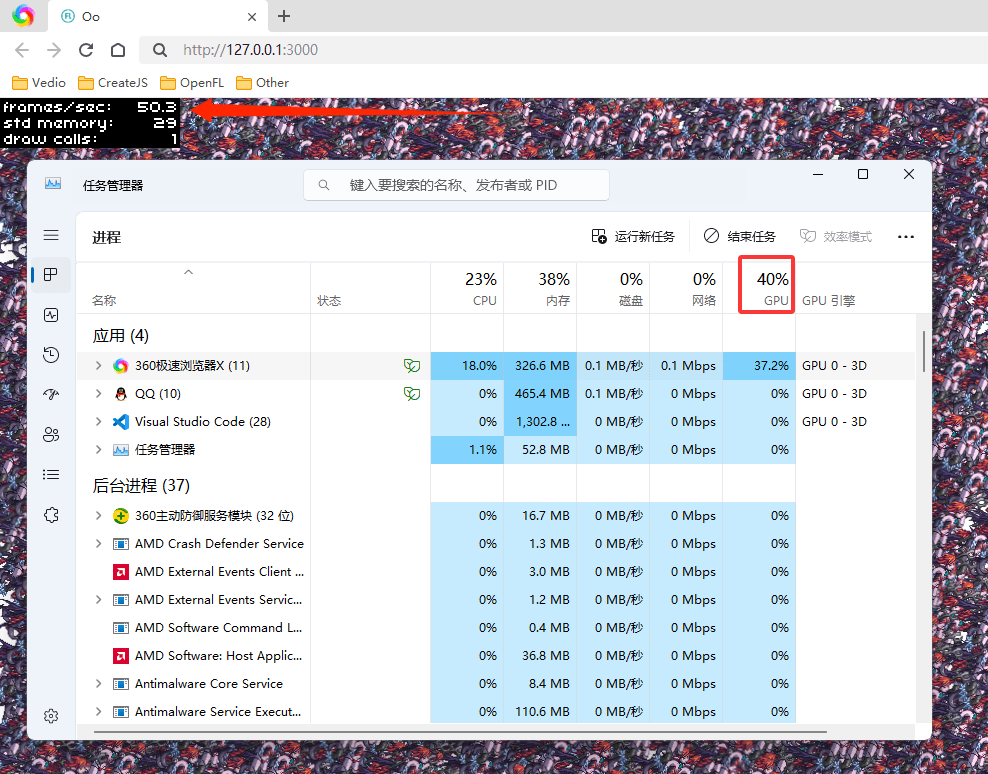
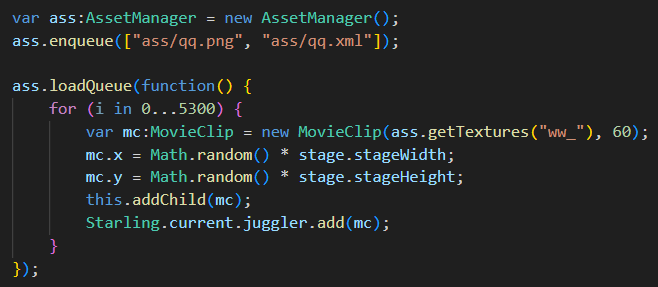
“openfl starling 5300”

”win exe“
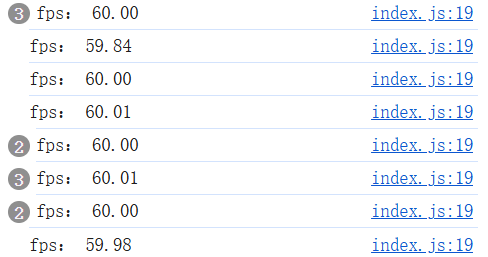
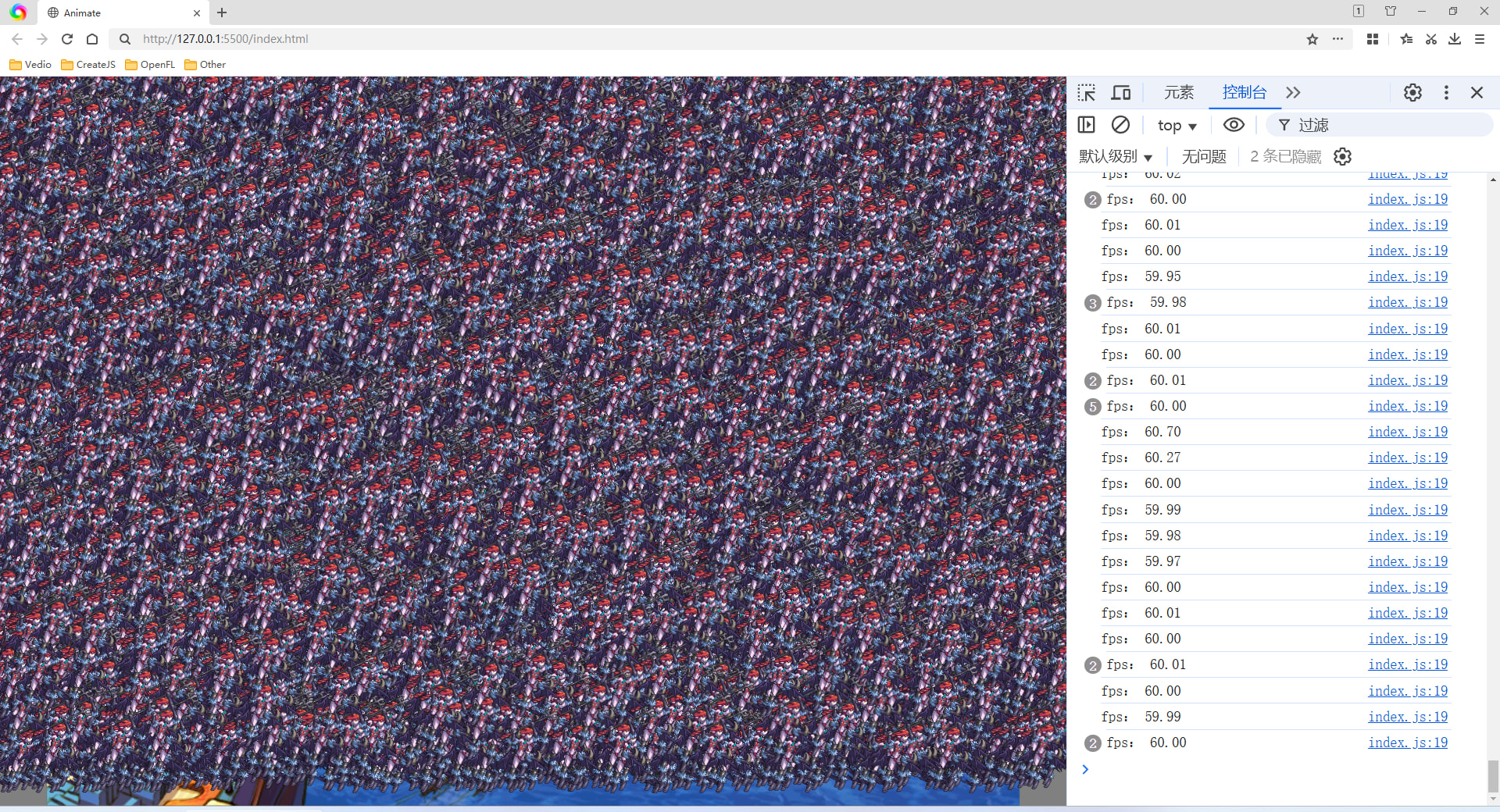
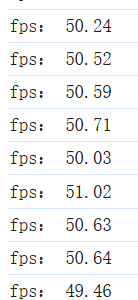
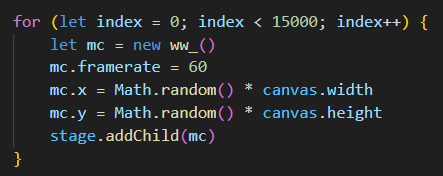
“createjs stageGL 15000”
Speaking of which, can’t the rendering performance of ‘Starling’ really be further improved?

Thanks for sharing these results @785597448! :+1:

Perhaps include @Matse’s Massive library in your tests. I suspect that’d answer that question.

Can I also suggest that when you share code snippets, paste it in as text, not an image. This makes it much easier for others to reference and try what you’ve shared too.

1 Like

qq.as

package

{

import flash.display.Sprite;

import starling.core.Starling;


public class qq extends Sprite

{

    public function qq()

    {

        var ss:Starling = new Starling(gg, stage);

        ss.showStats = true;

        ss.showStatsAt("left", "top", 2);

        ss.start();

    }

}

}

gg.as

package

{

import starling.display.Sprite;

import starling.assets.AssetManager;

import starling.display.MovieClip;

import starling.core.Starling;


public class gg extends Sprite

{

    public function gg()

    {

        var tt:\* = this;

        var ass:AssetManager = new AssetManager();

        ass.enqueue(\[

                    "ass/qq.png",

                    "ass/qq.xml"

                \]);

        ass.loadQueue(function():void

            {

                var len:int = 2800;

                for (var index:int = 0; index < len; index++)

                {

                    var mc:MovieClip = new MovieClip(ass.getTextures("ww\_"), 60);

                    mc.x = Math.random() \* stage.stageWidth;

                    mc.y = Math.random() \* stage.stageHeight;

                    tt.addChild(mc);

                    Starling.current.juggler.add(mc);

                }

            });

    }

}

}

Main.hx

package;

import starling.core.Starling;

import openfl.display.Sprite;

class Main extends Sprite {

public function new() {

    super();


    var ss:Starling = new Starling(Game, stage);

    ss.showStats = true;

    ss.showStatsAt("left", "top", 2);

    ss.start();

}

}

Game.hx

package;

import starling.core.Starling;

import starling.display.MovieClip;

import starling.assets.AssetManager;

import starling.display.Sprite;

class Game extends Sprite {

public function new() {

    super();


    var ass:AssetManager = new AssetManager();

    ass.enqueue(\["ass/qq.png", "ass/qq.xml"\]);


    ass.loadQueue(function() {

        for (i in 0...5300) {

            var mc:MovieClip = new MovieClip(ass.getTextures("ww\_"), 60);

            mc.x = Math.random() \* stage.stageWidth;

            mc.y = Math.random() \* stage.stageHeight;

            this.addChild(mc);

            Starling.current.juggler.add(mc);

        }

    });

}

}

index.js

import { Load } from “./Load.js”

import { Stage } from “./Stage.js”

const canvas = document.getElementById(“canvas”)

const stage = new createjs.StageGL(canvas, { antialias: true })

const exportRoot = new createjs.Container()

class Main {

static init() {

    createjs.Ticker.framerate = 60

    createjs.Ticker.timingMode = createjs.Ticker.RAF

    createjs.Ticker.on("tick", this.update, this)


    stage.addChild(exportRoot)

    Stage.init()

    Load.init()

}

static update(e) {

    console.log("fps:", createjs.Ticker.getMeasuredFPS().toFixed(2));

    stage.update(e)

}

static load(url, max, progress, complete, thisArg, sound = false) {

    const queue = new createjs.LoadQueue(true)

    sound === true && queue.installPlugin(createjs.Sound)

    queue.setMaxConnections(max)


    queue.on("progress", progressFn, this)

    queue.on("complete", completeFn, this)

    queue.loadManifest(url)


    function progressFn(e) {

        progress != null && progress.call(thisArg, e)

    }

    function completeFn(e) {

        queue.removeAllEventListeners()

        complete != null && complete.call(thisArg, e)

    }

}

}

Main.init()

export { canvas, stage, exportRoot, Main }

Load.js

import { exportRoot, stage, Main, canvas } from “./index.js”

import { Sound } from “./Sound.js”

import { SpriteSheet } from “./SpriteSheet.js”

import { Stage } from “./Stage.js”

class Load {

static init() {

    this.node = new createjs.Container()

    exportRoot.addChild(this.node)

    stage.on("resize", this.resizeCanvas, this)


    Main.load(\[

        { src: "./zoe/bfb.png", id: "png" },

        { src: "./zoe/bfb.json", id: "json" }

    \], 2, null, complete, this)


    function complete(e) {

        SpriteSheet.bfbInit(e.currentTarget)

    }

}

static init2() {

    this.bfb = new createjs.BitmapText("0.00%", SpriteSheet.bfb)

    this.bfb.scale = 0.5

    this.bfb.regX = this.bfb.getBounds().width / 2.04

    this.bfb.regY = this.bfb.getBounds().height / 2.04

    this.bfb.x = 0

    this.bfb.y = 0

    this.node.addChild(this.bfb)

    this.resizeCanvas()


    Main.load(\[

        { src: "./zoe/load.png", id: "png" },

        { src: "./zoe/load.json", id: "json" }

    \], 2, progress, complete, this)


    function progress(e) {

        const bfb = e.progress \* 100

        this.bfb.text = bfb.toFixed(2) + "%"

        this.bfb.regX = this.bfb.getBounds().width / 2.04

        this.bfb.regY = this.bfb.getBounds().height / 2.04

    }

    function complete(e) {

        SpriteSheet.loadInit(e.currentTarget)

    }

}

static init3() {

    this.bg = new createjs.Sprite(SpriteSheet.load)

    this.bg.gotoAndStop("bg")

    this.node.addChild(this.bg)


    this.go = new createjs.Sprite(SpriteSheet.load)

    this.go.gotoAndStop(0)

    this.node.addChild(this.go)


    this.bfb.text = "00000000000000000000000000000000000000000000000000"

    this.bfb.text = "0.00%"

    this.bfb.regX = this.bfb.getBounds().width / 2.04

    this.bfb.regY = this.bfb.getBounds().height / 2.04

    this.bfb.y = 232.5

    this.node.setChildIndex(this.bfb, this.node.numChildren - 1)


    Main.load(\[

        { src: "./sounds/ss1.mp3", id: "ss1" },

        { src: "./sounds/ss2.mp3", id: "ss2" },


        { src: "./zoe/qq.png" },

        { src: "./zoe/qq.js" }

    \], 2, progress, complete, this, true)


    function progress(e) {

        const bfb = e.progress \* 100

        this.bfb.text = bfb.toFixed(2) + "%"

        this.bfb.regX = this.bfb.getBounds().width / 2.04

        this.bfb.regY = this.bfb.getBounds().height / 2.04

        this.go.gotoAndStop(Math.round(bfb) - 1)

    }

    function complete(e) {

        Sound.init()

        //Sound.play("ss1", 0, 1, 1)


        for (let index = 0; index < 15000; index++) {

            let mc = new ww\_()

            mc.framerate = 60

            mc.x = Math.random() \* canvas.width

            mc.y = Math.random() \* canvas.height

            stage.addChild(mc)

        }

    }

}

static resizeCanvas() {

    const width = Stage.stageWidth / 800

    const height = Stage.stageHeight / 600

    let scale = 1

    width > height ? scale = height : scale = width

    this.node.scale = scale

    this.node.x = Stage.stageWidth / 2

    this.node.y = Stage.stageHeight / 2

}

}

export { Load }

I feel like I answered that question so many times already :laughing: or didn’t I ?

Firstly, you might be comparing oranges to apples here : I only glanced at the createJS API but I don’t see a way to set a DisplayObject color like you can do with Starling at pretty much no cost : with createJS it looks like the only way to do that is through ColorFilter or ColorMatrixFilter and I bet those don’t come for free :wink:

Massive will most probably beat createJS by quite a margin, and comparing them directly would be unfair too

Now can Starling performance be further improved ? The answer is a big YES

How ?

  1. Starling-haxe uses ByteArray for VertexData and IndexData because that’s what Starling-as3 uses. That’s pretty bad because ByteArray is slow (and what it offers is far from being enough to make up for that slowness, in my opinion). But that’s also pretty bad because OpenGL doesn’t understand ByteArray : on non-flash targets all vertex and index data has to be copied to a Float32Array before being sent to OpenGL. You can test that with the MassiveDemo : compare framerate with Float32Array, Vector and ByteArray render modes
  2. setting Image.texture is a very slow operation in Starling : open the MassiveDemo , unselect atlases to keep only one, turn MultiTextureStyle off then load a classic clips scene with enough clips to make the framerate bad like 20 fps. Now turn off Animation by clicking the dedicated button and see the spectacular framerate increase. On my computer I get over 100% framerate increase. If you turn Animation on and off on a Massive scene you’ll notice that the framerate doesn’t change much, even with many many more clips to handle.

There are other areas of improvement but those 2 are pretty obvious and will make a big difference

So far Starling-haxe has been “following” Starling-as3, the changes I would like to make would break that and I don’t know if that’s ok. Ideally if I do those changes I would want them to be on the official Starling-haxe, not just a fork that most people won’t even know exists.

1 Like

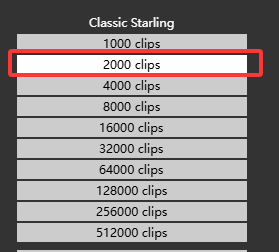
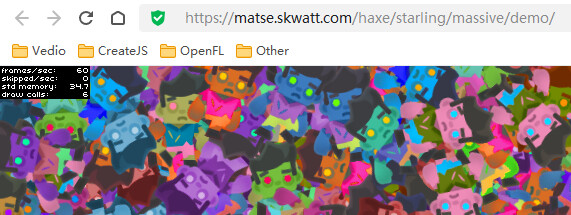
No, it’s still ‘creatjs’ that wins completely, and your’ demo 2000mc ‘doesn’t perform as well as’ starling’. Maybe it’s a difference in the testing environment. Are you using a modern high-end machine?

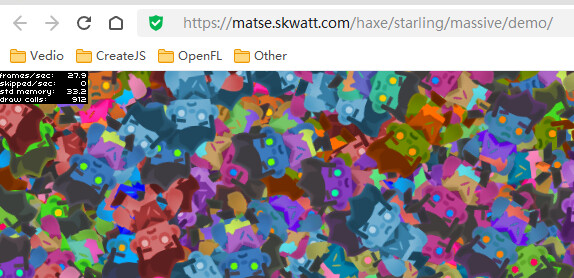
You provided a ‘demo’ and ran ‘2000mc’ on my computer, causing the fps to drop to 30. You should know that my computer is an old computer from over 10 years ago, and the motherboard is still ‘DDR3’. Your modern computer probably has higher performance with higher configurations ..

All right! I just tested it wrong. This one is actually much higher than ‘create js’. Can it be used to test my texture animation?

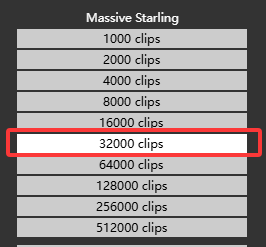
You are running my demo with 16 different atlases, I guess I wasn’t clear enough :

or add 15 atlases to your tests :wink:

I have a fairly old computer myself btw, it was a pretty good performance for that price gaming rig 9+ years ago but far from high end : i5 6500 CPU with 1060GTX GPU (used to be a 970, similar performance)

Well you’re still using 16 different texture atlases at the same time here, if you really want to know how much faster Massive will be in the same context you should untoggle 15 atlases (the “zombi0”, “zombi1”, “zombi2” etc buttons)

Good to know that your old computer can handle multitexturing with 16 textures ! I’d be interested if you can tell us what kind of GPU (graphic card) it has ?

@Matse

1 Like

Thanks, our GPUs are quite similar !

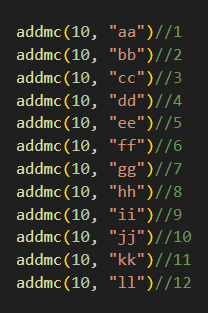
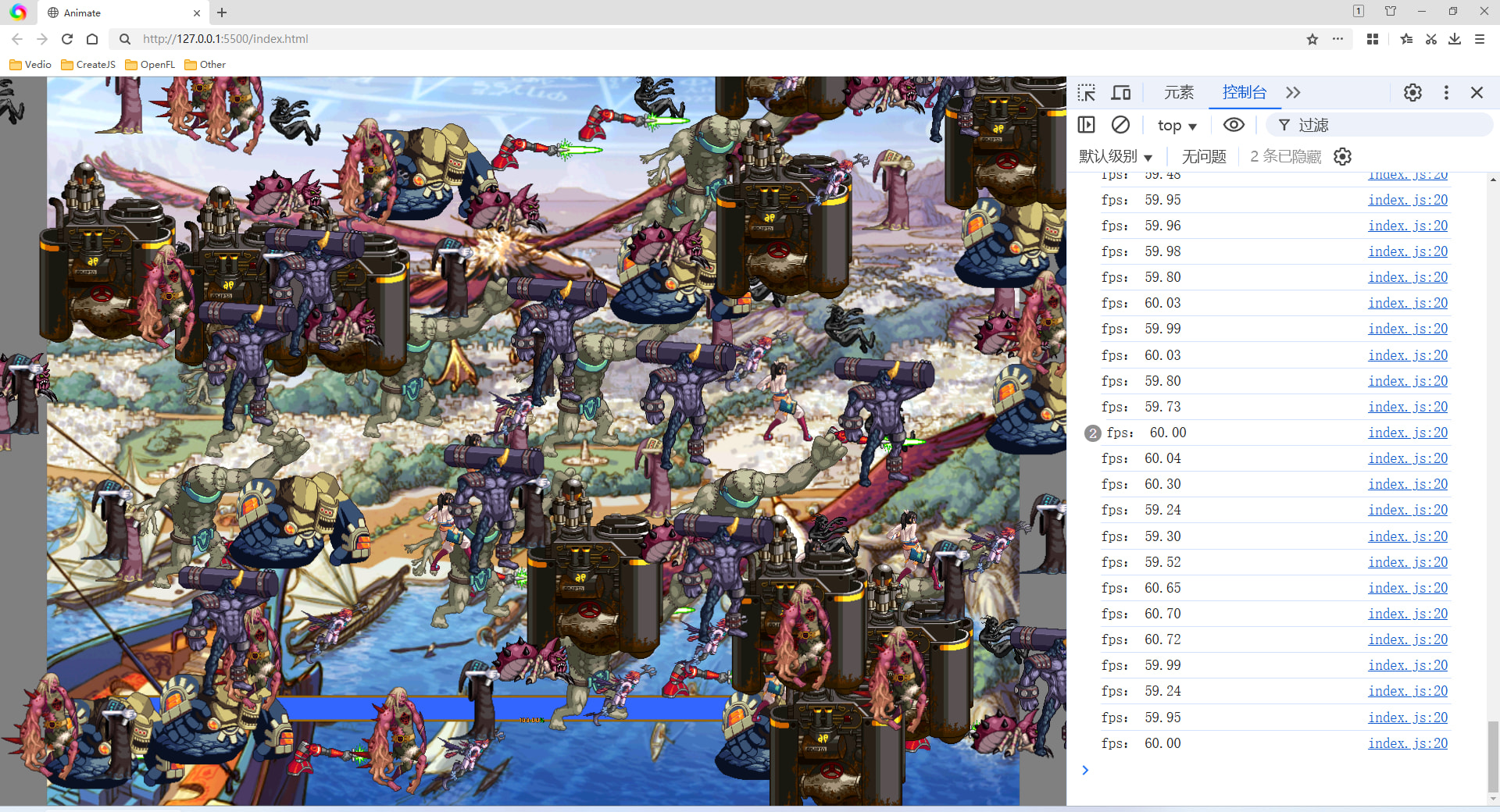
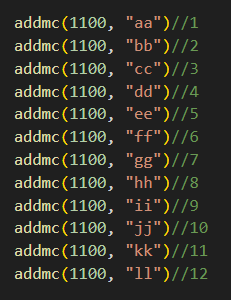
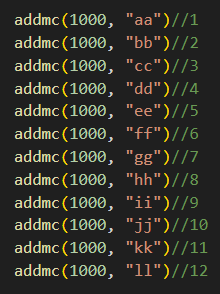
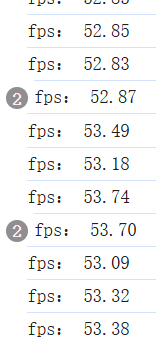
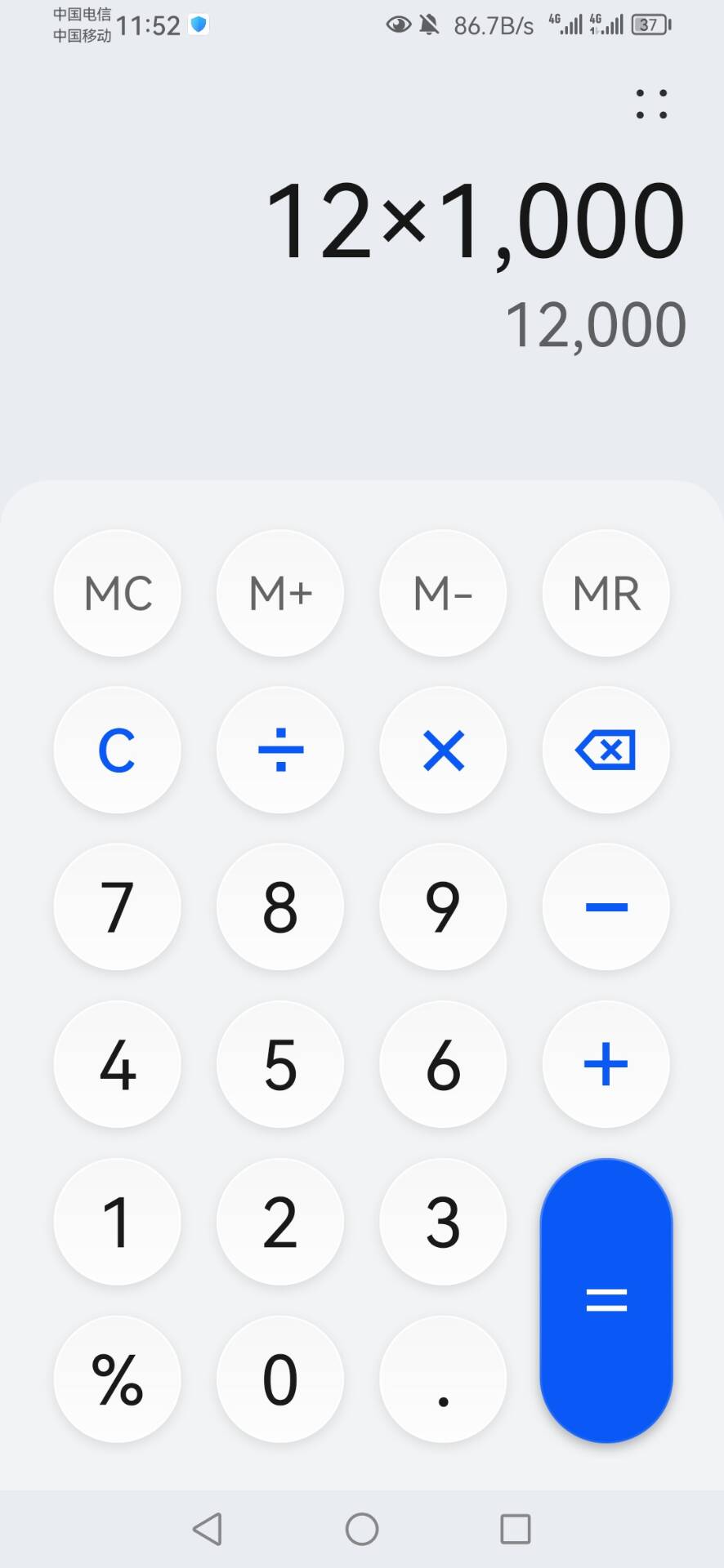
Good morning everyone, I just tested 12 texture animations on my old computer from over 10 years ago. Let’s take a look together, “createjs”

10

(function(window) {

aa = function() {

this.initialize();

}

aa._SpriteSheet = new createjs.SpriteSheet({images: [“zoe/aa.png”], frames: [[0,0,124,120,0,71,116],[124,0,124,120,0,71,116],[248,0,124,120,0,71,116],[372,0,124,120,0,71,116],[496,0,124,120,0,71,116],[620,0,124,120,0,71,116],[744,0,124,120,0,71,116],[868,0,124,120,0,71,116],[0,120,124,120,0,71,116],[124,120,124,120,0,71,116],[248,120,124,120,0,71,116],[372,120,124,120,0,71,116],[496,120,124,120,0,71,116],[620,120,124,120,0,71,116],[744,120,124,120,0,71,116],[868,120,124,120,0,71,116],[0,240,124,120,0,71,116],[124,240,124,120,0,71,116],[248,240,124,120,0,71,116],[372,240,124,120,0,71,116]]});

var aa_p = aa.prototype = new createjs.Sprite();

aa_p.Sprite_initialize = aa_p.initialize;

aa_p.initialize = function() {

this.Sprite_initialize(aa.\_SpriteSheet);

this.paused = false;

}

window.aa = aa;

}(window));

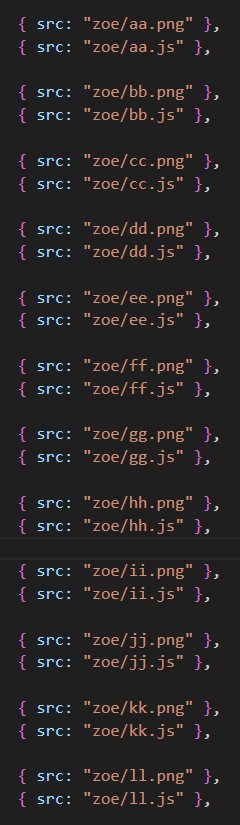
{ src: “zoe/aa.png” },

        { src: "zoe/aa.js" },


        { src: "zoe/bb.png" },

        { src: "zoe/bb.js" },


        { src: "zoe/cc.png" },

        { src: "zoe/cc.js" },


        { src: "zoe/dd.png" },

        { src: "zoe/dd.js" },


        { src: "zoe/ee.png" },

        { src: "zoe/ee.js" },


        { src: "zoe/ff.png" },

        { src: "zoe/ff.js" },


        { src: "zoe/gg.png" },

        { src: "zoe/gg.js" },


        { src: "zoe/hh.png" },

        { src: "zoe/hh.js" },


        { src: "zoe/ii.png" },

        { src: "zoe/ii.js" },


        { src: "zoe/jj.png" },

        { src: "zoe/jj.js" },


        { src: "zoe/kk.png" },

        { src: "zoe/kk.js" },


        { src: "zoe/ll.png" },

        { src: "zoe/ll.js" },
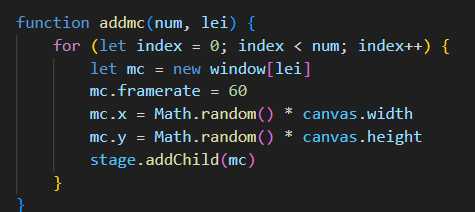
    function addmc(num, lei) {

        for (let index = 0; index < num; index++) {

            let mc = new window\[lei\]

            mc.framerate = 60

            mc.x = Math.random() \* canvas.width

            mc.y = Math.random() \* canvas.height

            stage.addChild(mc)

        }

    }