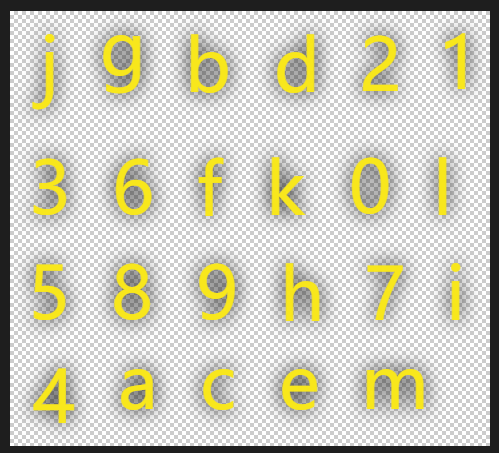
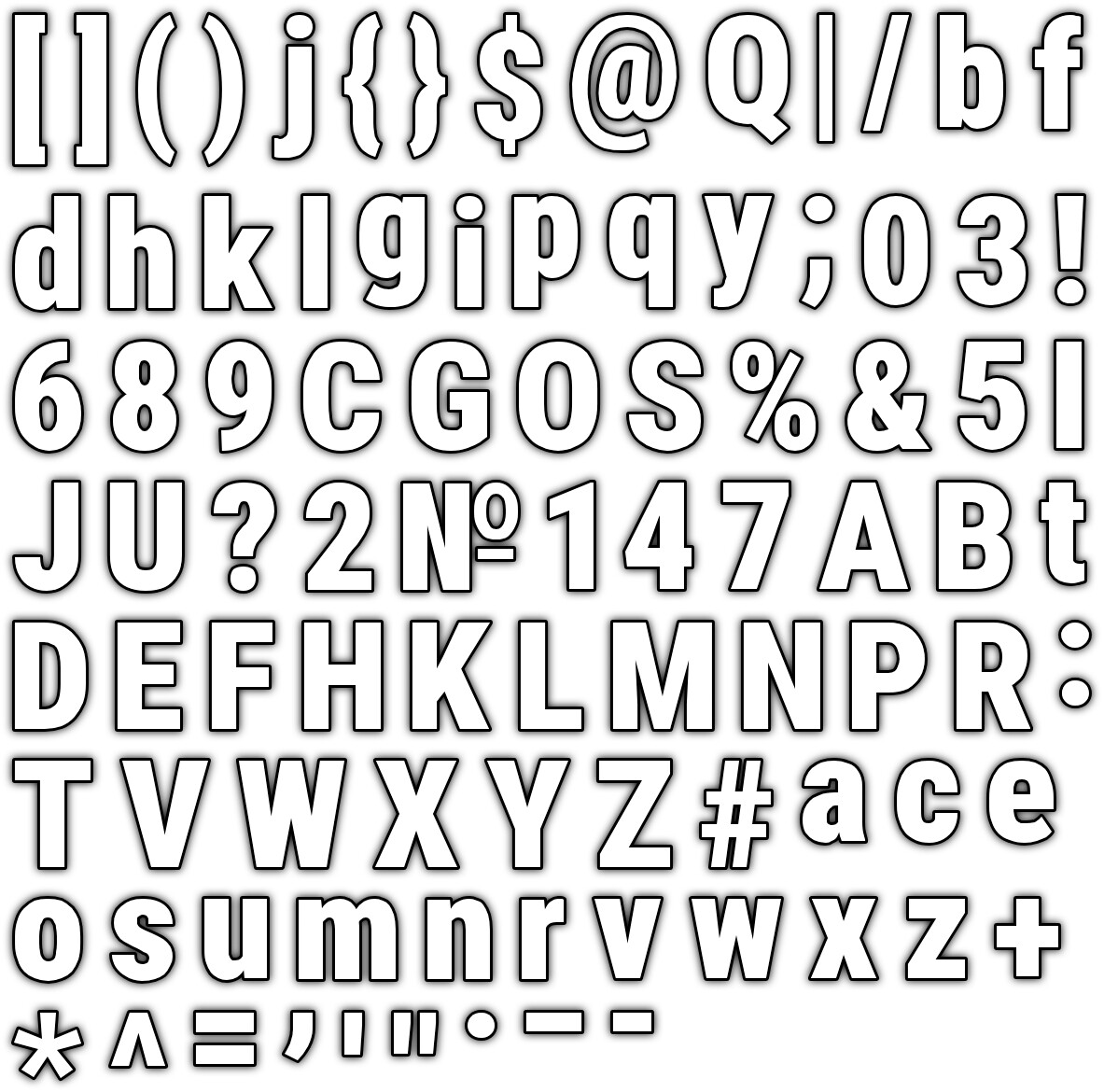
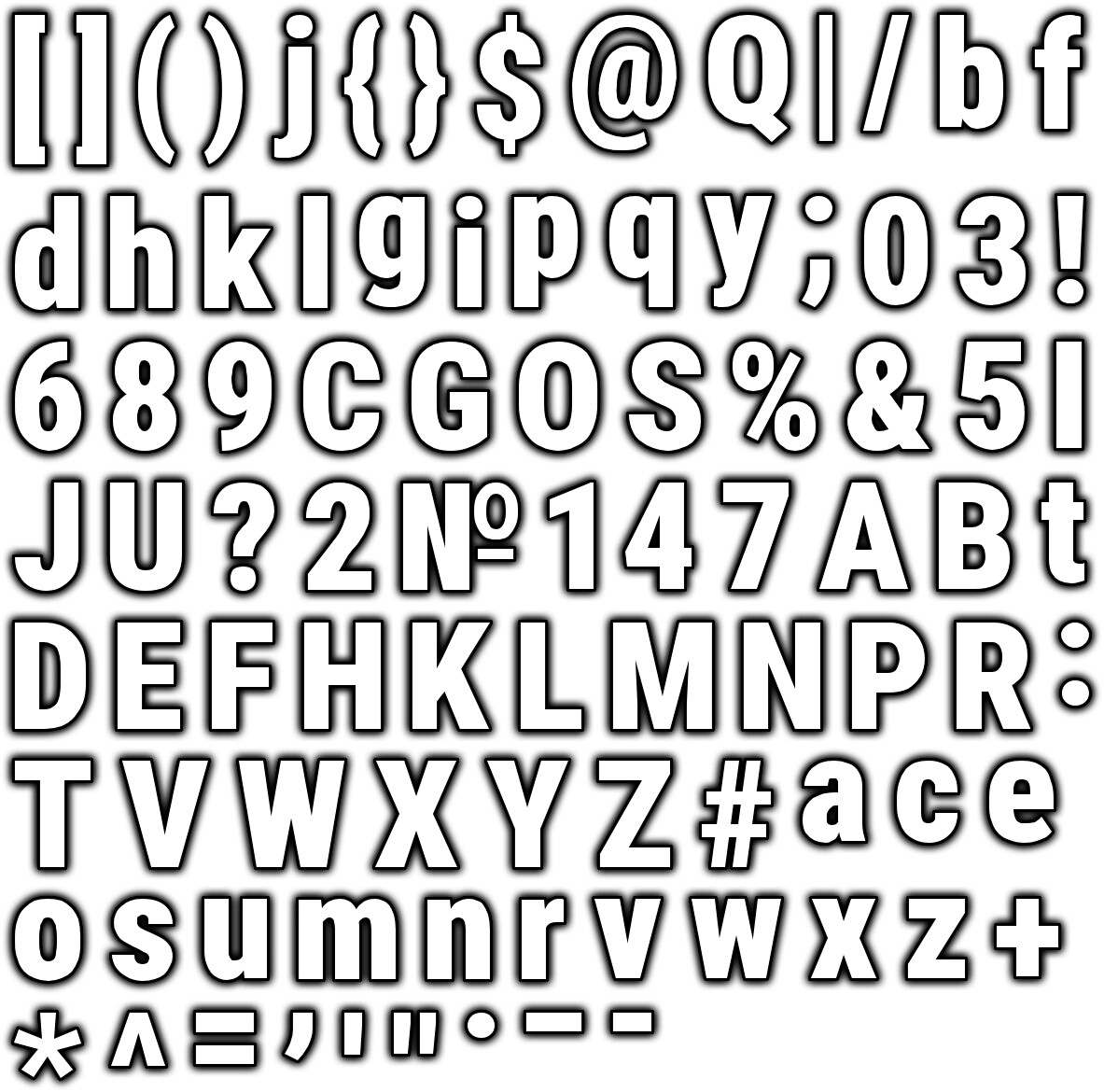
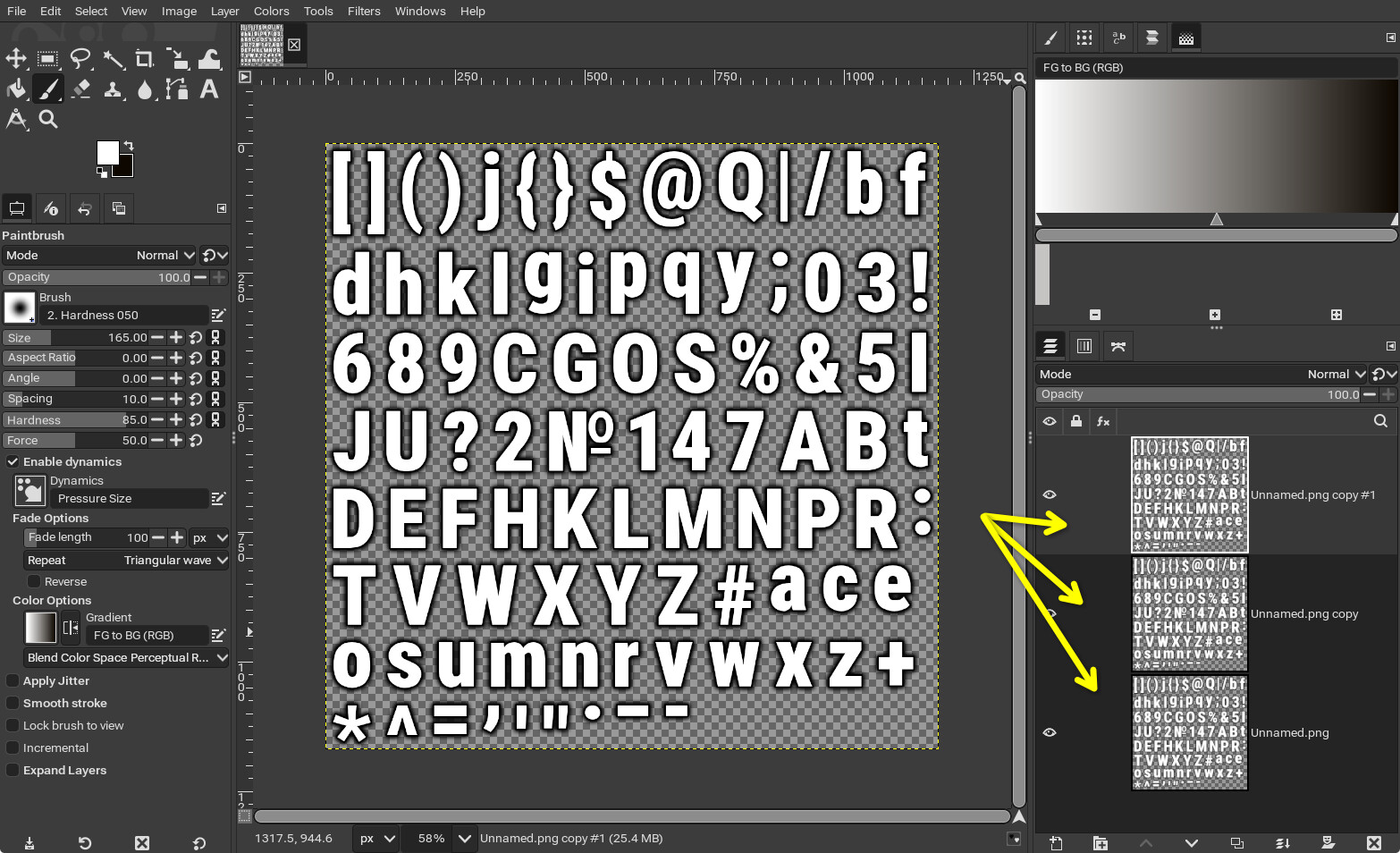
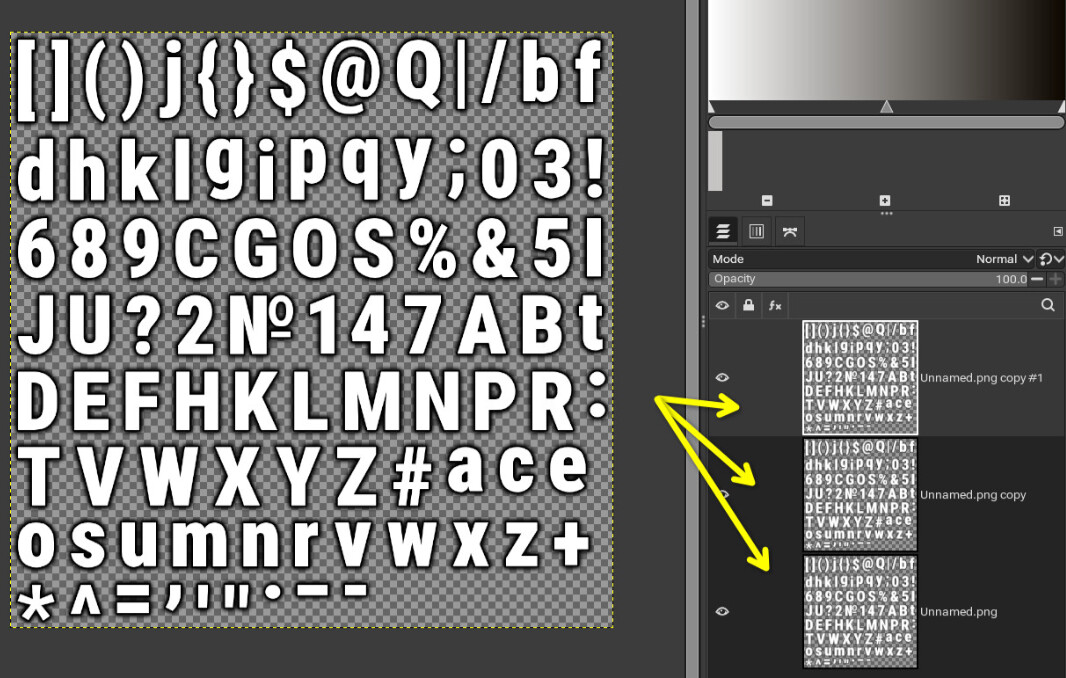
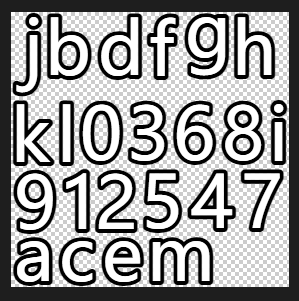
Last time we seemed to have discussed that I needed ‘Shadow’, but it seemed like I couldn’t set the intensity of ‘Shadow’, so the method you suggested at the time was to overlay multiple images?
Will stacking multiple bitmap texts cause other problems?
That is to say, I need that kind of hard stroke, but this bitmap font making tool does not provide the “Shadow” intensity parameter, so your previous suggestion was to overlay multiple images. I was wondering if overlaying multiple images would cause other problems?
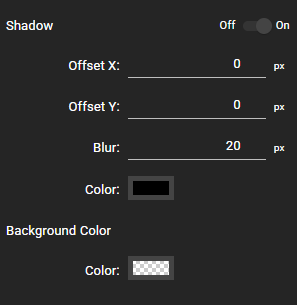
I’ll let you be the judge. Just to clarify though, the SnowB tool does allow you to specify a stroke, and shadow. I’ll assume what you meant was, you couldn’t increase the intensity of the shadow, which I acknowledge.
The only thing increasing in intensity with this technique, is the shadow.
This overlaying is done with the actual PNG file, not in code. You take the PNG file SnowB produces, duplicate its layer as many times as you need in Photoshop/Gimp, even adjusting opacity of the duplicated layers if you need to fine-tune it, and re-export the PNG overwriting the original file. No other changes are necessary.
Perhaps I didn’t express it very clearly. Let me reiterate, it’s about overlaying an “x10” image. Can you tell with your eyes that there is a problem? For example, position deviation? Change in size?
The shadow area is not expanding, it is only becoming darker through layering of the exact same image.
No pixel data is being added where there wasn’t already pixel data.
My only thought is, if you’re too heavy handed with the shadow and number of overlays, the shadows may start to form edges between the characters. In that respect, you’ll have to try it.
Using code to apply filters allows for dynamic adjustments, and ease of implementation, at the expense of performance during runtime.
Alternatively, pre-applying filters to images, provides no performance overhead during runtime.
Given your previous focus on performance and eagerness for folk to make things faster, may I suggest you use the latter option and pre-apply the filters to the PNG.
Thank you very much for your positive response,
Yes, adding filters using code is convenient, but it consumes performance at runtime. Manually using software to add filters (preprocess filters) does not incur performance overhead at runtime.
Manually using software to add filters (preprocessed filters) does not incur performance overhead during runtime, but does it add workload?
If the bitmap text supports the “html” format, that would be really great. I used to use “as3” and often used the “html” format for coloring and customizing styles. If the “starling” bitmap text also supports the “html” format for setting styles, that would be really great ..
That would require the bitmap font having graphics for each character for bold, italic etc : those can’t be created dynamically. Coloring would work though.
Bitmap font tools don’t support that afaik, so that would probably mean one atlas per font style you want to use