

I’ve not tested this, but can you try this? I’ve shifted the yoffset for the period to 25, which should hopefully align it with the bottom of the 1 and 0. Test and tweak as needed, of course.
<info face="sans-serif" size="72" bold="0" italic="0" charset="" unicode="1" stretchH="100"
        smooth="1" aa="1" padding="1,1,1,1" spacing="1,1" outline="0" />
<common lineHeight="74" base="55" scaleW="54" scaleH="60" pages="1" packed="0" alphaChnl="0"
        redChnl="4" greenChnl="4" blueChnl="4" />
<pages>
	<page id="0" file="Unnamed.png" />
</pages>
<chars count="4">
	<!--   -->
	<char id="32" x="0" y="0" width="0" height="0" xoffset="0" yoffset="0" xadvance="21"
            page="0" chnl="15" />
	<!-- . -->
	<char id="46" x="0" y="43" width="16" height="17" xoffset="1" yoffset="25" xadvance="18"
            page="0" chnl="15" />
	<!-- 0 -->
	<char id="48" x="0" y="0" width="31" height="42" xoffset="1" yoffset="1" xadvance="33"
            page="0" chnl="15" />
	<!-- 1 -->
	<char id="49" x="32" y="0" width="22" height="41" xoffset="1" yoffset="1" xadvance="24"
            page="0" chnl="15" />
</chars>
.
Okay, that’s great,
What content have you modified?
.

.
Thank you.
What content have you modified?
How was it modified?
.
Find this value in the new code:
yoffset="25"
That was originally set as yoffset="1", which top-aligned it. I did a bit of maths on the bitmap image you shared and updated it to "25" to bottom-align it.
How is’ 25 'calculated?
How did this 25 come about? If I create a new bitmap font, should I calculate it this way? Or is 25 fixed enough?
In the XML code, 0 and 1 have the following height and yoffset values:
<!-- 0 -->
<char ... height="42" yoffset="1" ... />
<!-- 1 -->
<char ... height="41" yoffset="1" />
So to figure out the y-coordinate of the bottom edge of the 1, the sum goes like this:
( yoffset="1" + height="41" ) = 42
(those values are taken from the 1’s XML data)
To align the period to the bottom edge, we just need to subtract the height of the period:
<!-- . -->
<char ... height="17" ... />
So the full sum looks like this:
( yoffset="1" + height="41" ) - height="17" = 25
Oh, I see. If my bitmap font has many characters “0 1 2 3 4 5 6 7 8 9./%…”, will the calculation become complicated?
Can you report this issue to the bitmap font producer?
Is it convenient for us to set up bitmap font tools that support this feature?
Does this bitmap font making tool have a “Windows exe” version? Or can you tell me how to download the ‘zip’ below and run it?
I downloaded a ‘zip’ compressed file,
I don’t know how to run this program?
One option you have, is creating your periods source image with the alignment already defined. Like this:

So you can see what I did there, the file went from:
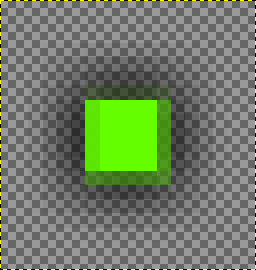
To this (matching the height of the 1 character):
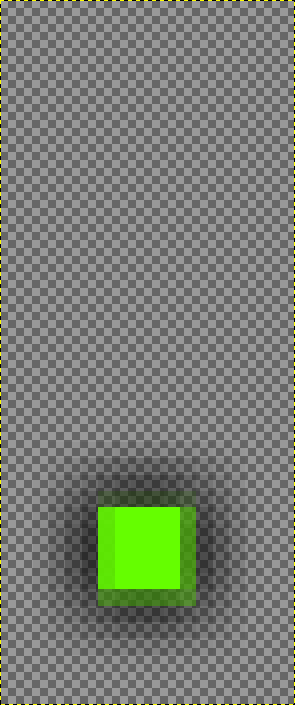
It’s not an issue. It’s simply using the bitmap image as you supplied it.
You can build and run it with Node.js. Information is provided here:
.
Last time, you used the index position of text to set the color of each bitmap text. I was wondering if it is possible to set the color of specific characters in the bitmap text?
.
Set colors through specific characters instead of indexes?
.
Which is more commonly used, ‘true type’ text or ‘bitmap text’?
.
I know bitmap text can be batch rendered to improve performance, but I found that there is actually a character limit? It seems that it cannot exceed 15 characters ..
.
15 characters is indeed too few ..
.
Is the “OpenFL” team more concerned about “compatibility” rather than being enthusiastic about “performance”?
.
.
Which is more commonly used, “type true font” or “bitmap font”?
.
Glow “and” Solid Color "strokes
Which type has a high usage rate?
.
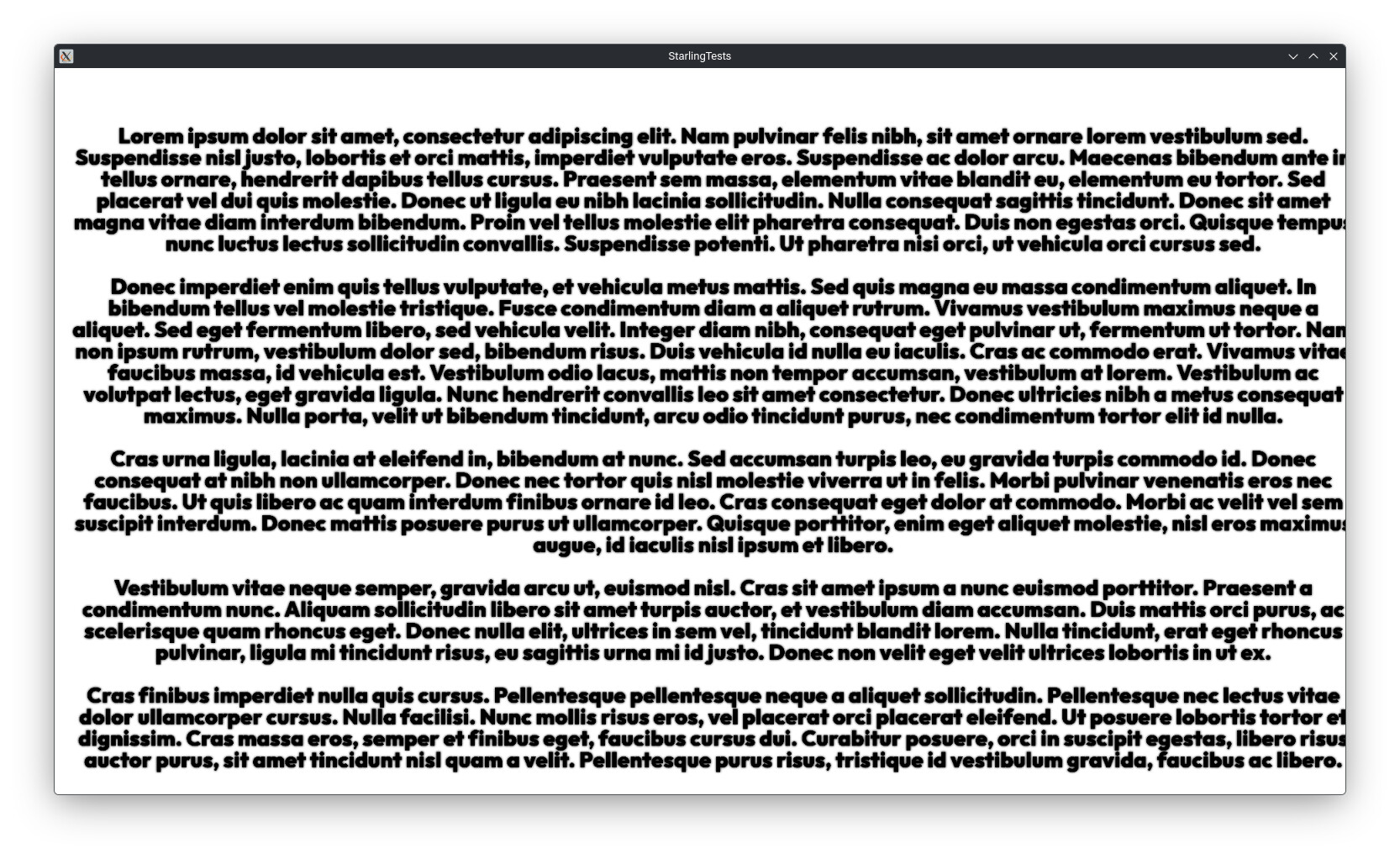
I just tested this with a bitmap font, 3,146 characters of text in a single Starling TextField. I wouldn’t consider that the upper limit either.
You might consider taking a little care with what you say.
1 Like
I’m sure it could. Feel free to edit the custom classes I provided last time.
.
I don’t think you understand what I mean,
I mean batch processing cannot exceed 15 characters.
.
batchable property
.
batchable:Boolean
.
Indicates if TextField should be batched on rendering.
.
This works only with bitmap fonts, and it makes sense only for TextFields with no more than 10-15 characters. Otherwise, the CPU costs will exceed any gains you get from avoiding the additional draw call.
.
The default value is false.
.
.
And your previous method was set through indexing, I want to set through specific characters instead of indexing.
.
bitmapFont.charColors.set(0, 0xFF0000); // Red
bitmapFont.charColors.set(1, 0xFF0000); // Green
bitmapFont.charColors.set(2, 0x0000FF); // Blue
bitmapFont.charColors.set(3, 0xFF0000); // Red
.