
Is everyone using SpriteGlypher?
I did see your note in the Starling forum 
I simply haven’t had the chance to try it yet. I’m currently working on a project where I may give it a test drive, but I have some low-level stuff to sort out first.
I thought you had already used this tool,
I also want to ask how you feel about this tool after using it?
You told me that you haven’t used it yet ..
I’d not said I’d tried it yet. I did mention it was “awesome” in the Starling forum, but I was speaking more to the fact that a dude created and shared this open-source tool we can use with Starling. That’s awesome!
I’m on Linux, and no package for it exists yet in the Arch ecosystem that I’m using.
That means I need to figure out how to build and package it myself, so it’s on my to-do list
It was actually quite easy to get up and running under Linux.
The tool is off to a good start, but it looks like it’s still under development. I picked up what looks to be an issue, that I reported.
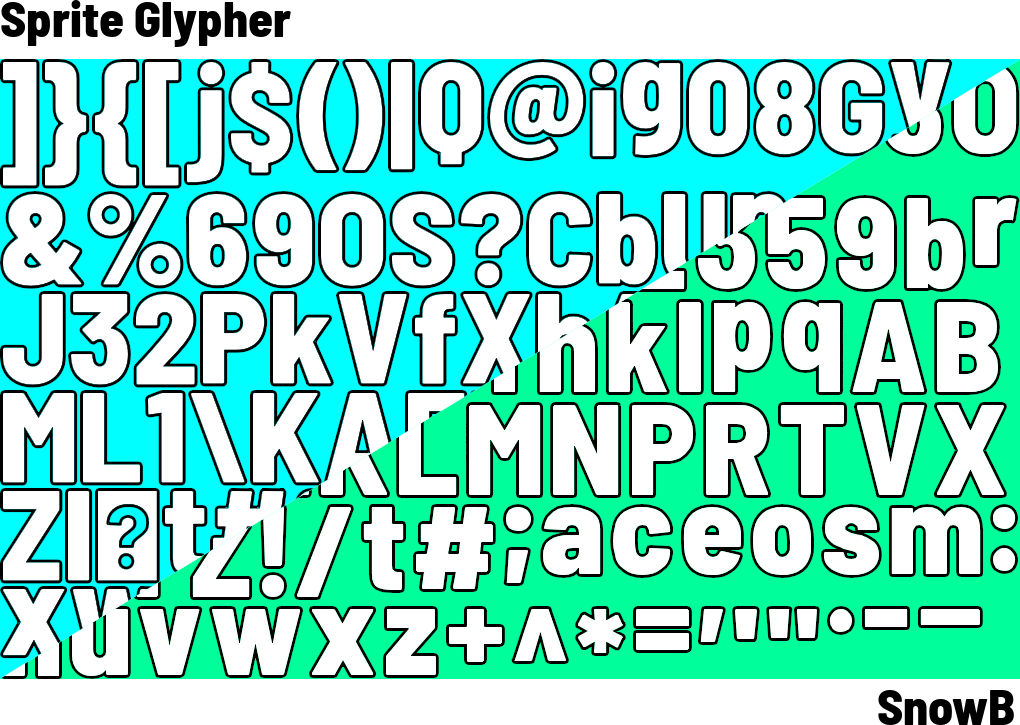
I compared it to SnowB Bitmap Font Generator’s output. In terms of aliasing, they both look very similar.
The most significant difference with a simple comparison of white text with black outline, was that I noticed Sprite Glypher’s output font size was much bigger. It turns out it’s using points (pt) instead of pixels (px). SnowB uses pixels, so I need to convert points to pixels for a better comparison.
For example, 128px in SnowB, is 96pt in Sprite Glypher.
At the moment, SnowB has a number of more advanced features. For example, it now supports multi-channel signed distance field fonts.
For example, your bitmap font has characters with numbers and punctuation marks,
Can you carefully check if there is any deviation in the distance between the numbers and punctuation marks? Is it my illusion?
Previously, I used ‘create js’,
I set the anchor point in the middle of each character when making bitmap fonts, but the position distance was offset when displayed. Later, I found that only by setting the anchor point in the upper left corner of each character can the correct position distance be displayed
I’m not sure if you’re sharing an issue you’ve discovered with Sprite Glypher, or simply something you’re concerned it might do. Have you tried it?
I tried once before and felt that there seemed to be a slight deviation in every distance between the numbers and punctuation marks. I didn’t try it again, so I asked you to give it a try. Maybe it’s just my imagination?
I don’t know if the author sets anchor points in the middle of each character or in the upper left corner of each character. I think setting anchor points in the upper left corner of each character is more accurate in my calculation. After all, if the width and height of each character are different, will there be some offset when setting anchor points in the middle of each character?
This is my previous experience using ‘creatjs’, thank you
I’m not able to test this at the moment. I’m pretty deep in a technical project 
I would note though, that it seems there’s still early work being done on Sprite Glypher, so I wouldn’t expect everything to be polished.