How does’ Starling ‘eliminate the color added by’ Tween '?
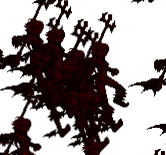
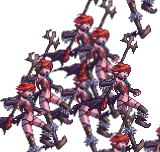
Hello everyone, I need “mc” to gradually change to red and then gradually eliminate the red color. This back and forth color change effect, but I found that “mc” has turned black? Looking for help? Thank you all.
private function toggleColor(mc:MovieClip, isFadingIn:Bool = true):Void {
    var tween:Tween = new Tween(mc, 0.5);

    if (isFadingIn) {

        tween.animate("color", 0xFF0000);

    } else {

        tween.animate("color", 0x00000000);

    }

    tween.onComplete = function():Void {

        toggleColor(mc, !isFadingIn);

    };

    Starling.current.juggler.add(tween);

}
You should really stop spamming non-sense messages like you do : what do you expect from us by posting all that without any question or context ?
Take your time, explain what you want to do and what the problem is, edit your post instead of adding multiple posts… this is not Skype or discord
It does work, I tested it
Again, Color.multiply does exactly the same thing
var myColor:Int = 0xff0000;
myColor = Color.multiply(color, 0.5); // 0x7f0000
and I’m telling you : that works, it achieves the same result as the code you had in the post I replied to.
Now does it achieve the result you’re looking for is an entirely different subject : you need a ColorMatrix ? Fine, but we’re not talking about the same thing anymore.
No, it has always been one thing.
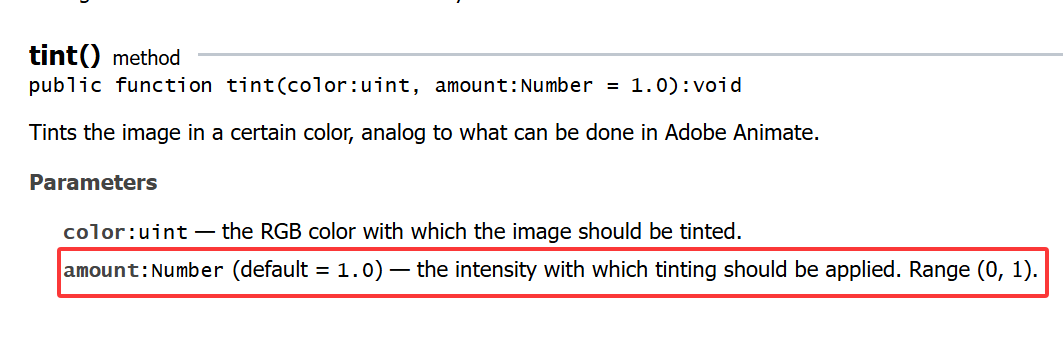
I need to change the color of “mc” with “tween”. “0.5” is just one variable I mentioned, or it could be “0.2 0.3 0.5 1”. This is just one variable. “as3 openfl creatjs” has such a method. In “starling”, I saw that “ColorMatrix” can achieve the same effect, but it consumes a lot. I am asking if there is a better method!
The code ‘mc’ above you has turned black! Has the translation meaning changed?