
.
Do you have the habit of adding a “glowing filter” to text?
.

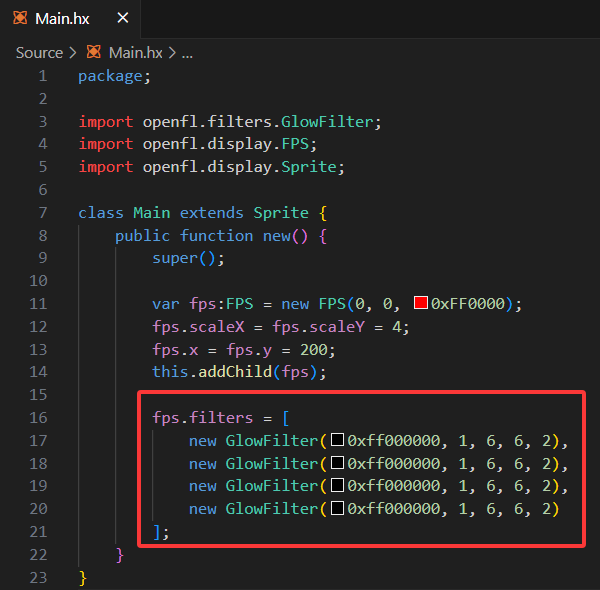
Is’ filter 'really a performance drain?
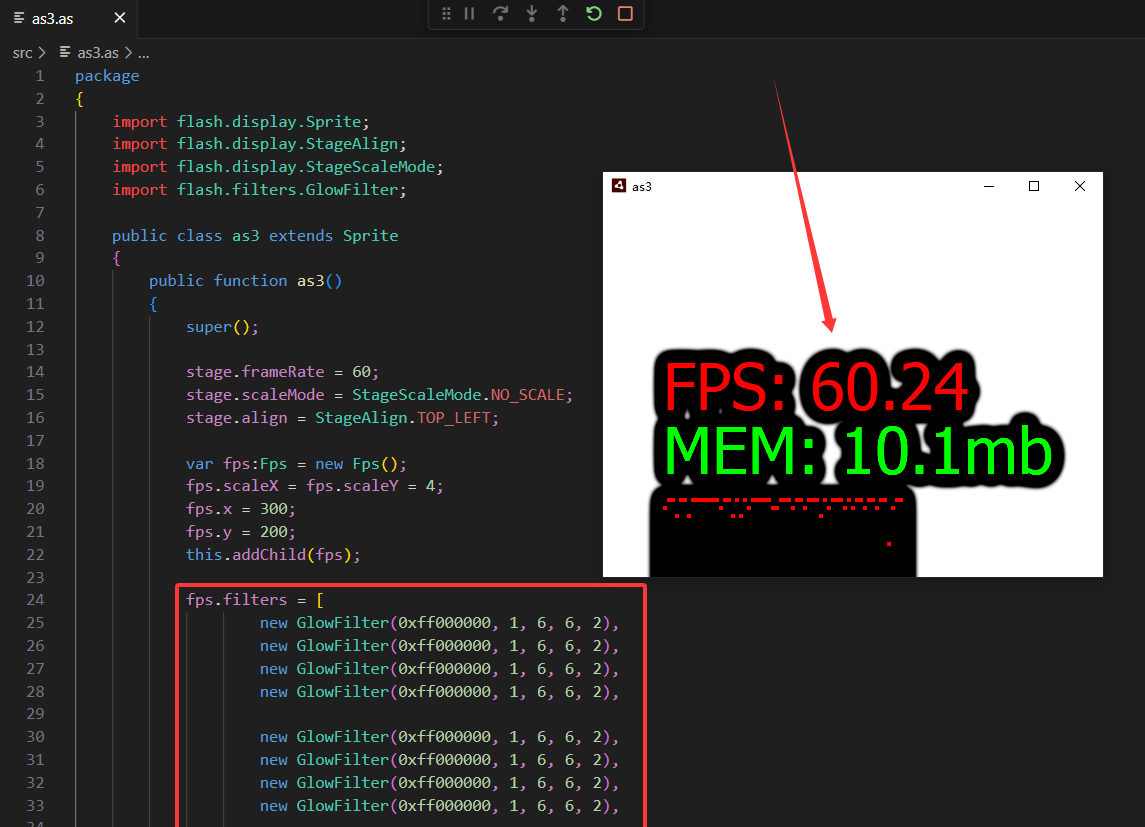
I just ‘stacked 4’, 60 fps dropped to 28 fps
When I don’t use the ‘filter’, the fps reaches 60
It seems that ‘filters’ really consume a lot of performance
This is just an empty project demonstration I created
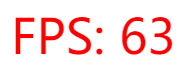
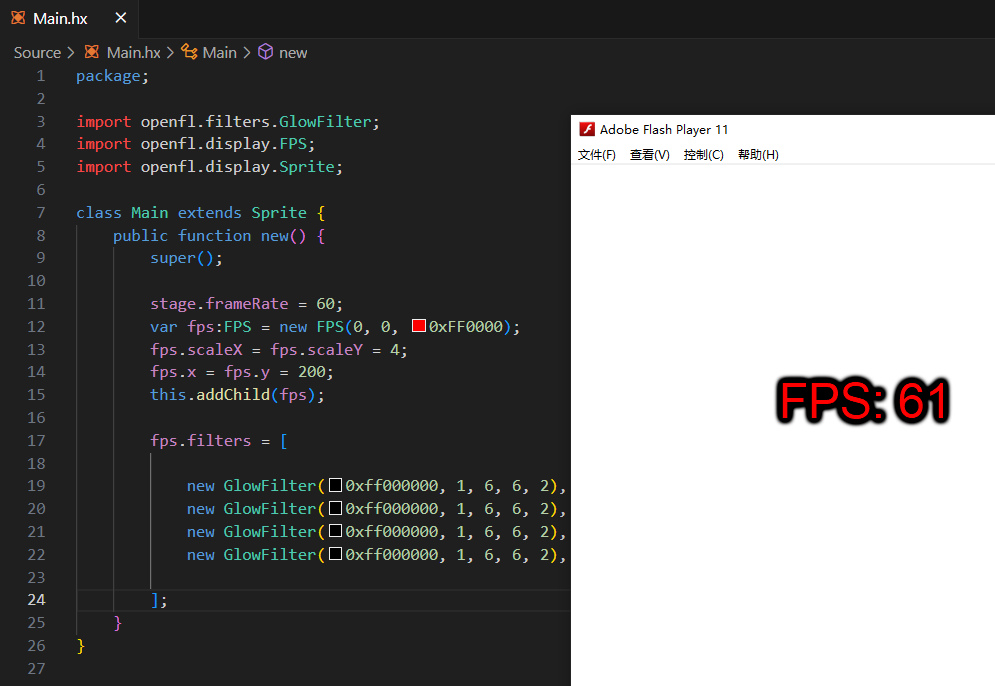
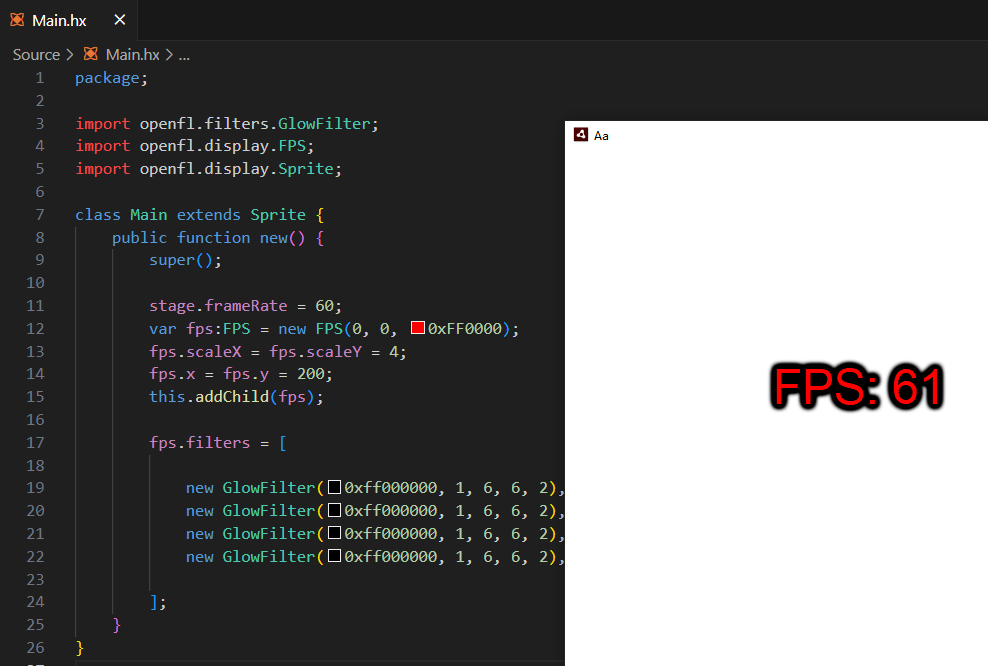
When I released it as “flash” and “air”, the same “overlay filter” could run at 60 fps, while “html5” could only run at 28 fps
.
In Flash, applying a filter causes the display object in question to be rasterized internally. And everytime that display object is altered, it has to re-rasterize it and the filters it has.
So it’s best to apply filters to static objects that aren’t rotated or scaled and don’t have animated children. FPS text changes way too frequently and will cause performance hiccups.
Also, is there a reason you’re applying the exact same filter eight times in a row?
At first, I wanted to add a ‘glowing filter’ to my screen,
Adding one is not very clear, so four were added,
Then I found that when I added 4 filters, the fps dropped directly to 28
Then release “flash” and “air” that can run 60
And then using ‘as3’ to achieve it, it can still run 60
Because we initially discovered such performance, that’s why we conducted this experiment
I see.
Still, it’s best to just put a solid color background behind the FPS counter instead of using filters to make it readable.
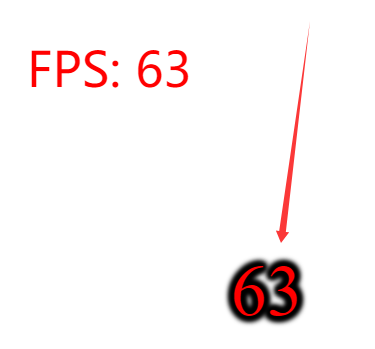
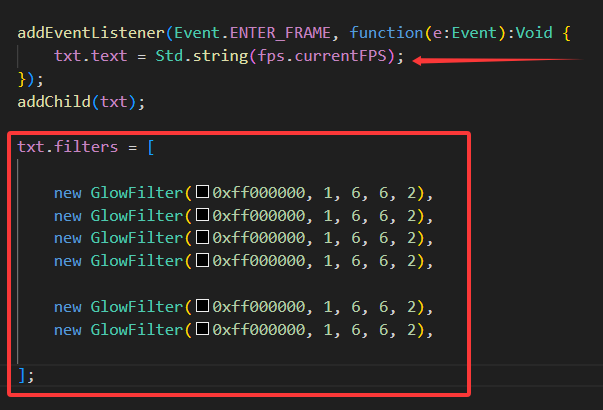
Does using a ‘solid color background’ feel strange?
Do you use a “luminous filter” or a “solid color background”?
FPS counters aren’t usually shown to players, so it doesn’t need to look nice.
I typically don’t use filters with any TextFields that will be updated frequently or have a large amount of text in them.
1 Like
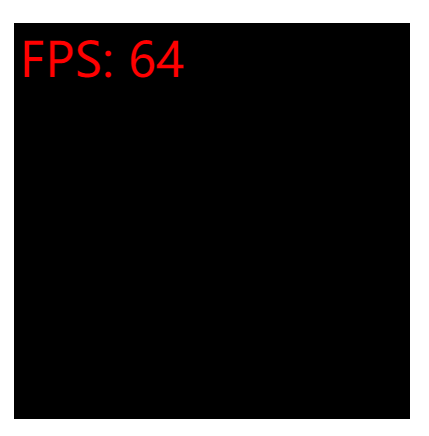
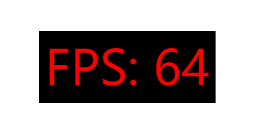
When I use “solid color background”, I find that the default range of width and height for the “FPS component” is quite large?
.
.
For this, I have activated the ‘automatic range’ feature
.
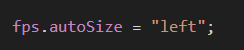
Try this:
fps.width = 1;
fps.height = 1;
fps.autoSize = TextFieldAutoSize.LEFT;
and then it should size itself appropriately.
1 Like
When I set the “automatic range” and added the “filter”, “60 FPS” came back
.
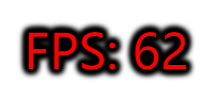

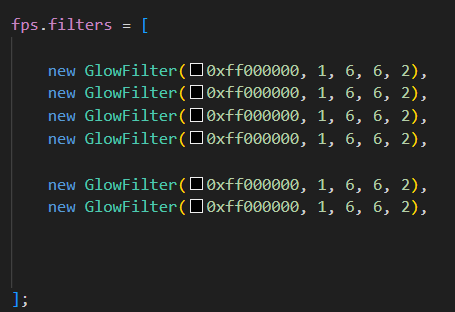
.
It seems that the reason is that the default range of the “FPS” component is too large, which affects performance
Makes sense.
Again, filters cause display objects to be rasterized (rendered to bitmap) internally in Flash and that is an expensive operation.
The larger the display object, even if it is a mostly empty TextField, the more it will affect performance when you apply a filter to it and change it frequently.
1 Like
This is’ html5 ‘, not’ flash ’
Do I want to keep 2 decimal points?
*100/100 is sometimes 10.2 (1 decimal point)
What I want is to always keep 2 decimal points? Do you have any tricks?
Ah, my mistake. I thought we were talking about Flash performance.
I’ve found that the GlowFilter in HTML5 is doesn’t show up as well as in Flash unless you multiply the alpha parameter by 10 or so.
So in Flash, where you would normally do:
object.filters = [new GlowFilter(0xff0000,1,6,6,2)]
In HTML5, it helps to do this instead:
object.filters = [new GlowFilter(0xff0000,10,6,6,2)]