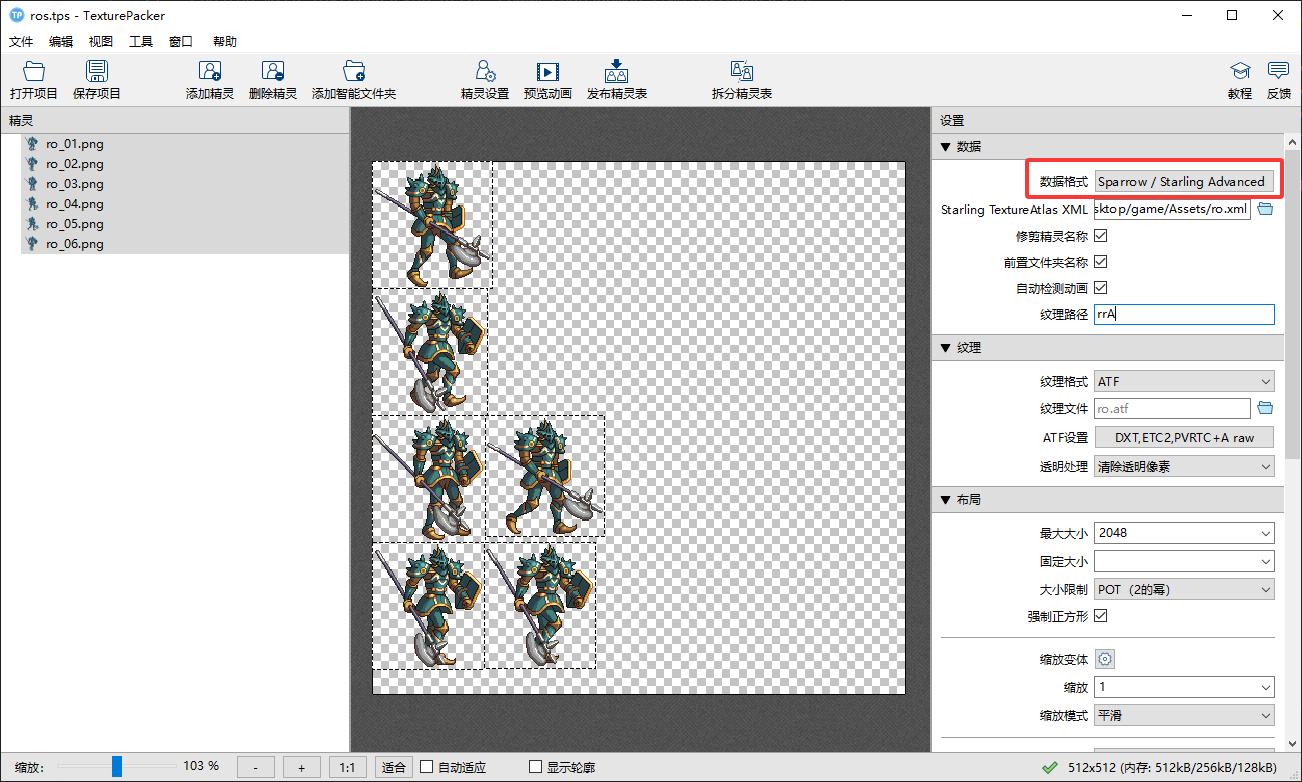
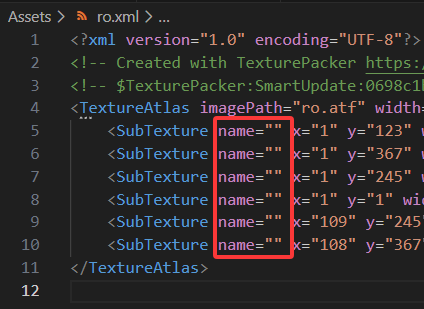
For anyone wanting to set per-sprite pivot points defined in TexturePacker for spritesheets, I’ve created a custom exporter for TexturePacker that enables that feature.
I’ve tested this with Starling for OpenFL, but in theory, it should also work in Starling for ActionScript 3.0.
It seems that you are using “ps” for drawing, so you are using “TexturePackerGUI”. For me, I use “Animate” to create animations and export them directly to the “starling” texture gallery, and “Animate” also supports anchor points
One can use this whether they use Animate, PhotoShop, Inkscape, Gimp, (anything) to create their sprite assets. If one wants to continue to leverage the advantages of using TexturePacker, they now can with added pivot point support.
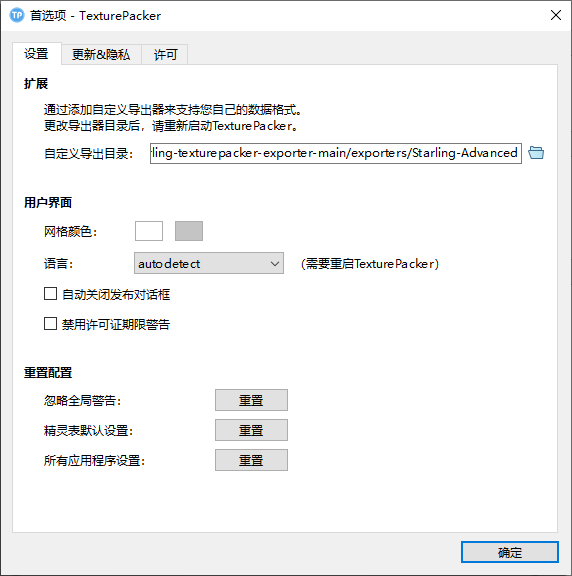
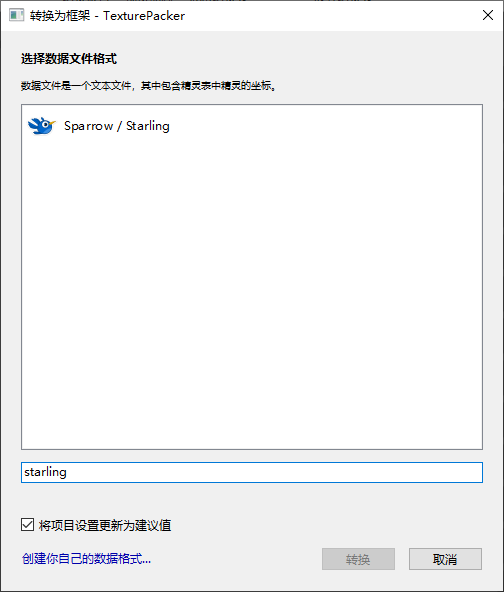
I reinstalled the “win10” system and tried to reset the export directory, but it didn’t display your exporter. Do you remember setting it this way before?
Also of note, my screenshot example has forward slashes / in the path. That’s a Linux and OSX convention. On Windows it’s going to be back slashes \ in the path.
TexturePacker 7.10.0 has now updated the Starling exporter, to support pivot points natively.
So if not requiring ATF support (TexturePacker 6.0.1), then you should be able to use the latest version of TexturePacker without any custom exporter with pivot point support.
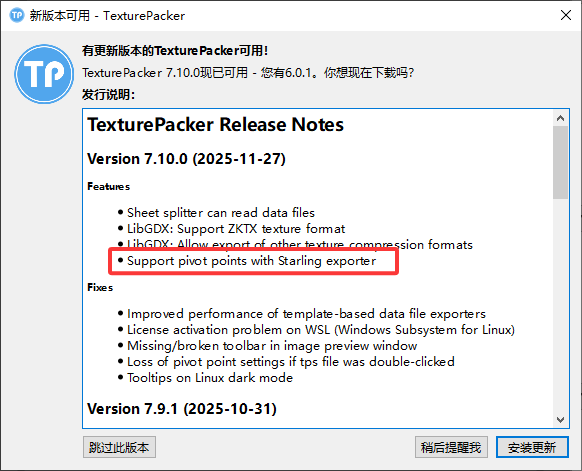
Hello, I just opened “TexturePackerGUI” and received an update notification. I noticed in the picture that “TexturePackerGUI” now supports “starling” anchor points. Is this the same thing as the custom exporter in your post? Have you given your custom exporter to the official “TexturePackerGUI”?
Is the support anchor mentioned in the above picture using your exporter?
I shared what I had made with the Code and Web team, but I’m not sure if it was exactly used, or perhaps just referenced.
I didn’t have the original Starling exporter to reference when I created this. Because of that actually, if anything I offered it with some caution, in case my custom extension might introduce bugs into their official software. I would have felt more confident if I’d updated an existing extension.
In short though, we helped them (with a Starling for AS3 tutorial) help us (with updated Starling exporter).
I haven’t yet. The package maintainer for texturepacker under the Linux distro I use, hasn’t updated it yet (I flagged that with them a few days ago), and I haven’t had a pressing need to use it at the moment. Manually updating it is simple enough though, if I need to.