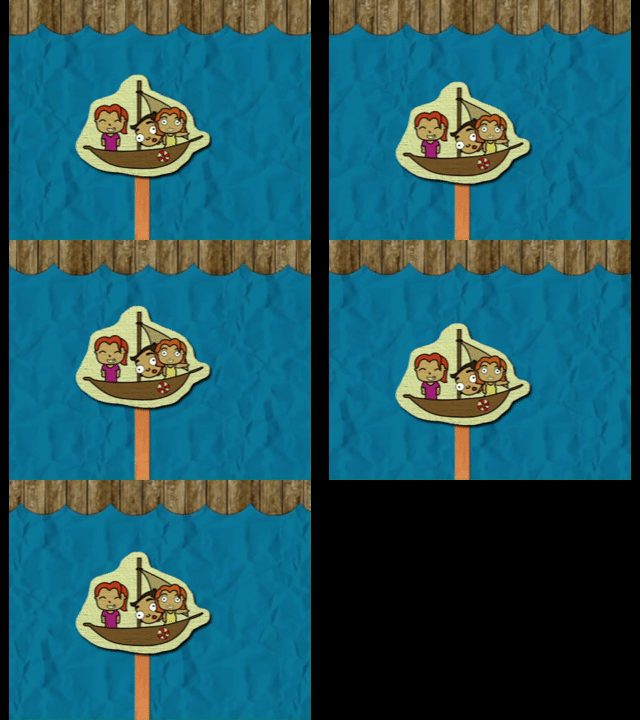
Hi, has anyone noticed problems with looping videos playing in Firefox? Here, I’m using my exported HTML5 project, using the standard video object. The wave background image is a looping video that doesn’t have black frames – the last one connects to the first without problems. When playing the project in Firefox, I notice that every time it returns to the beginning, there’s a black frame. However, when running the same project in Chrome (or any Chromium-based browser), the loop happens as expected.
Firefox

Chrome